
Tools ⚒️
Objective 🚀
Figma, Figjam, Google Sheets, Python (through Claude)
Increases task success rate for core flows (lessons, practice, speaking, progress tracking)
Reduces friction and drop-offs via streamlined onboarding, progress visibility, and delayed paywall strategies
Analyze the UX pain points of Babbel's mobile app and conduct a UX redesign that:
Keywords 📝
UX Research
Usability Testing (SUS, SASSI)
Conversational AI
Ergonomics
HEART framework

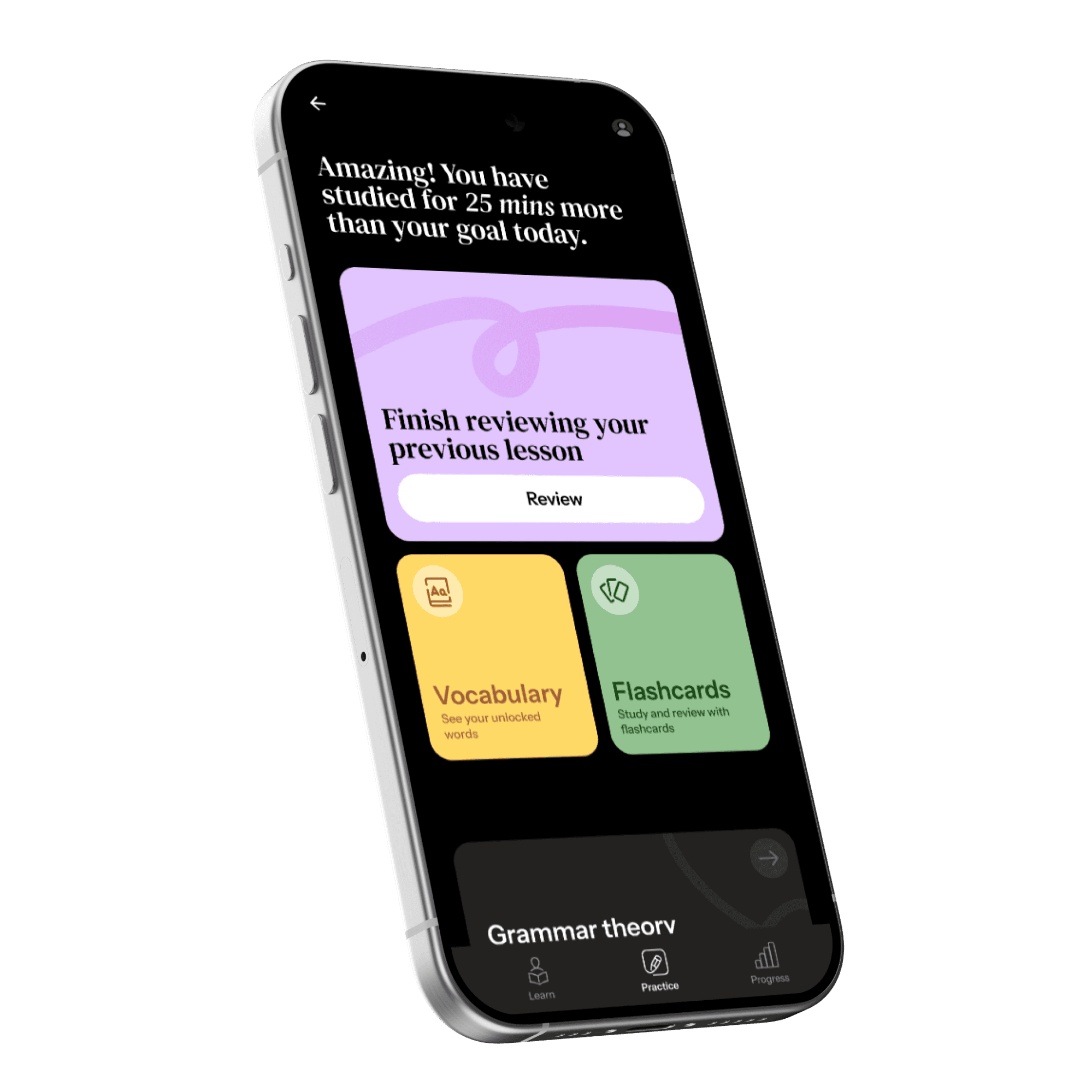
What is Babbel?
process
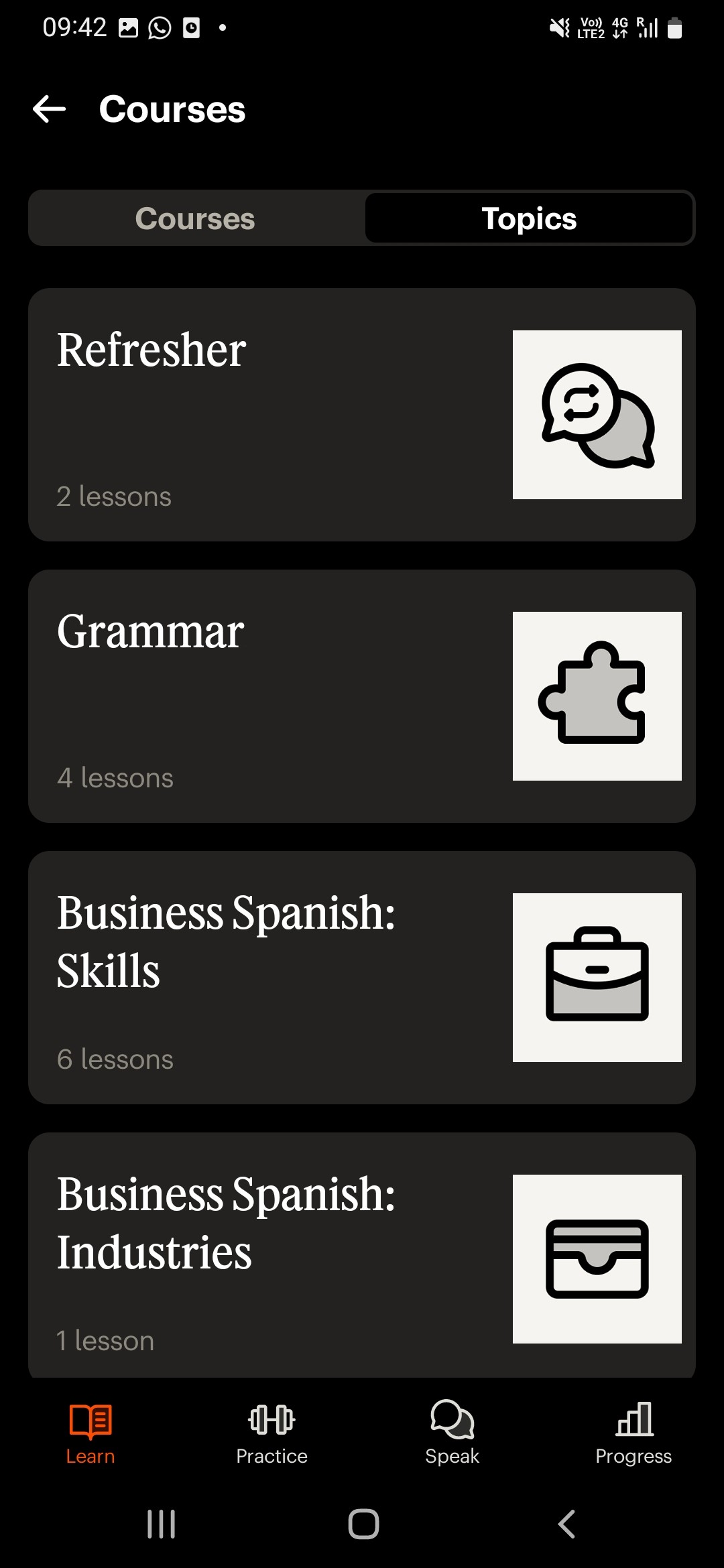
“Babbel is the effective way to learn a new language. Our system uses scientifically proven methods to improve your grammar, vocabulary, and pronunciation.”
User Reviews
SWOT
Heuristic Evaluation
UX Laws
Usability Testing
Redesign 🚀
Testing🚩
HTA and SHERPA predictions
Common painpoints
SUS scores
Jakob’s Law
new SUS scores
and HEART
Thematic Analysis
Goal Gradient Effect
Sentiment heatmap
Aesthetic Usability Effect



insights used
comparison
SHERPA validation and frequencies

User Reviews
Thematic Analysis
Sentiment Heatmap
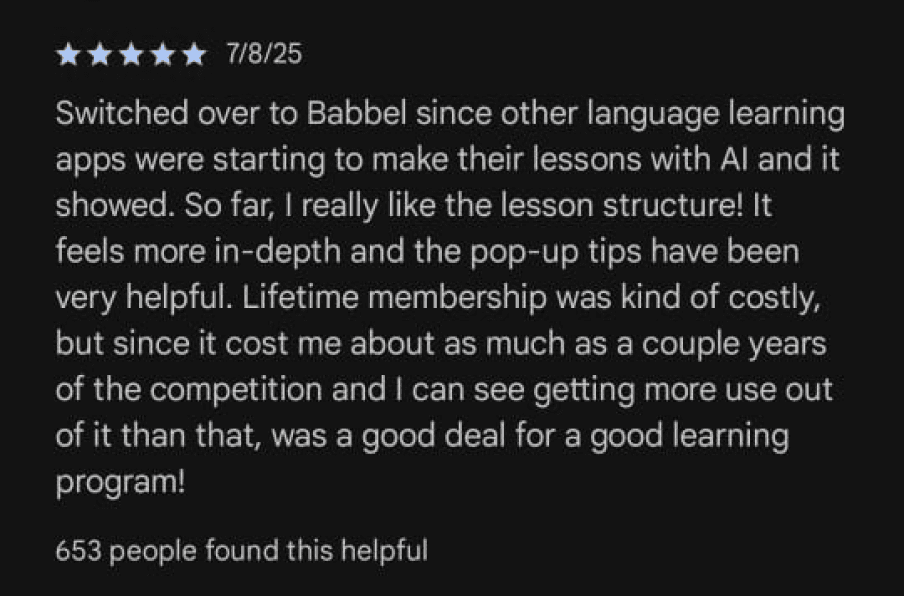
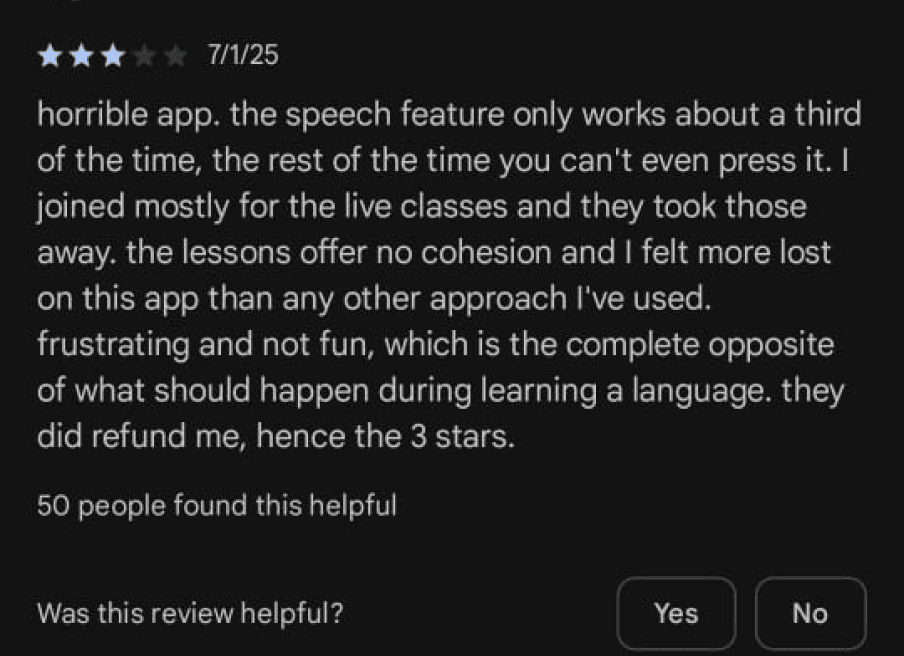
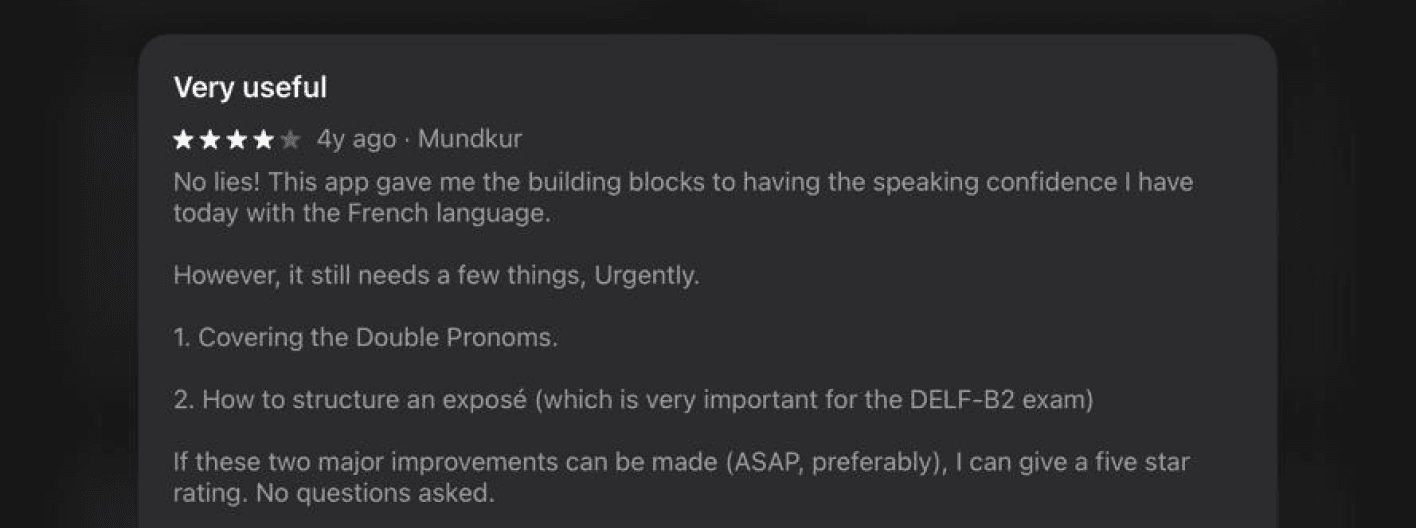
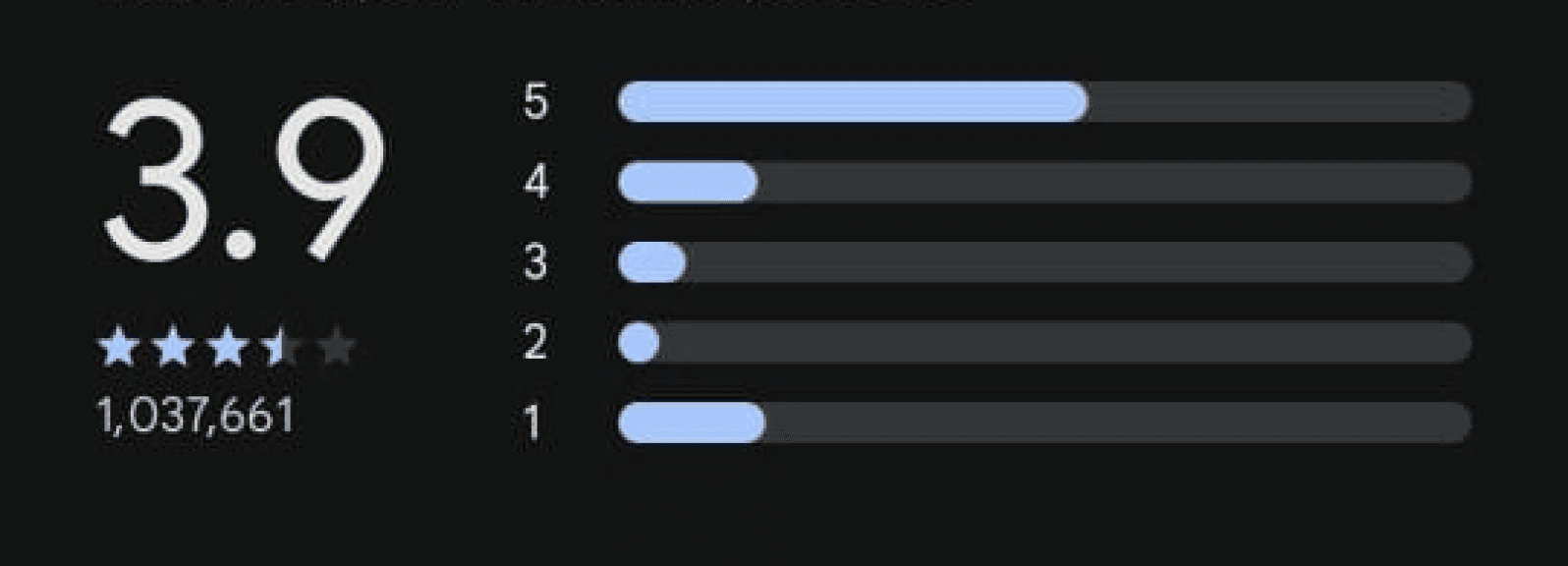
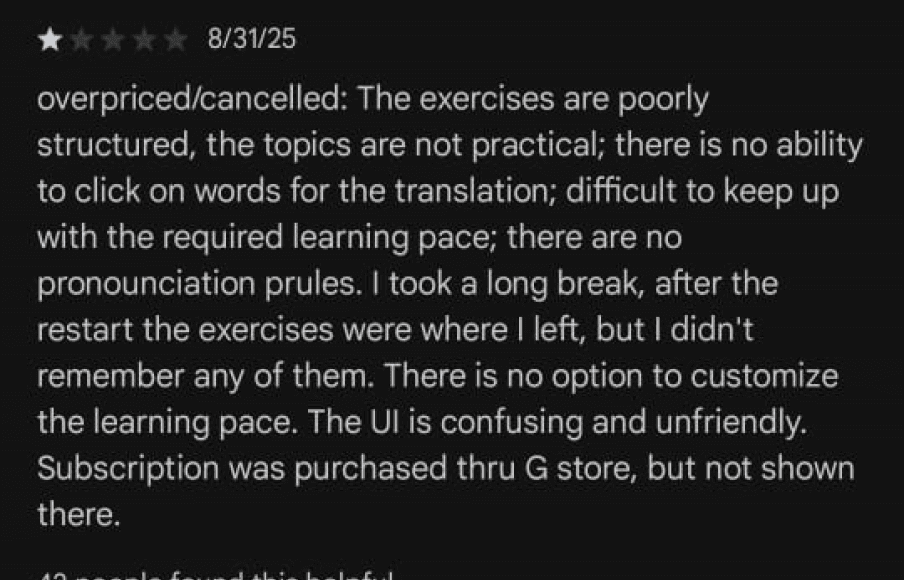
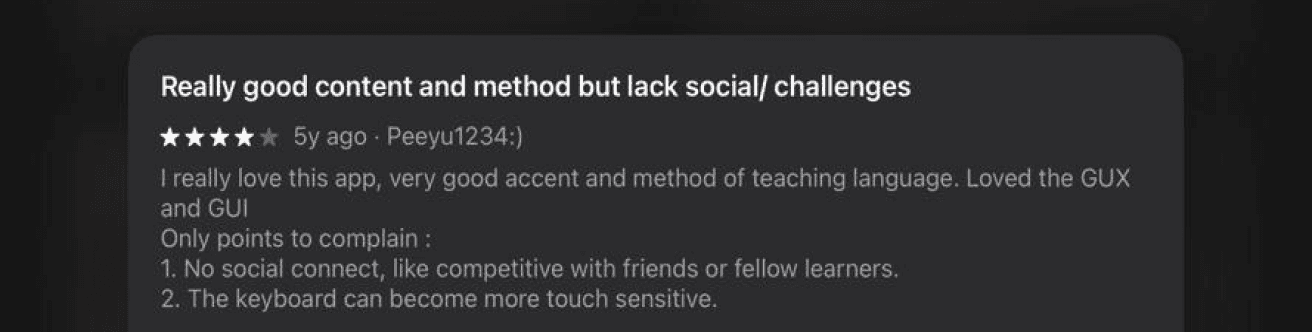
We looked at user reviews across years, from both appstore and playstore.
Putting these in an excel we analysed the upcoming themes, their frequency, and how critical they were.
Putting these in an excel we analysed the upcoming themes, their frequency, and how critical they were.
what works?
what doesn't?
what do long term users like?
what is causing drop offs?

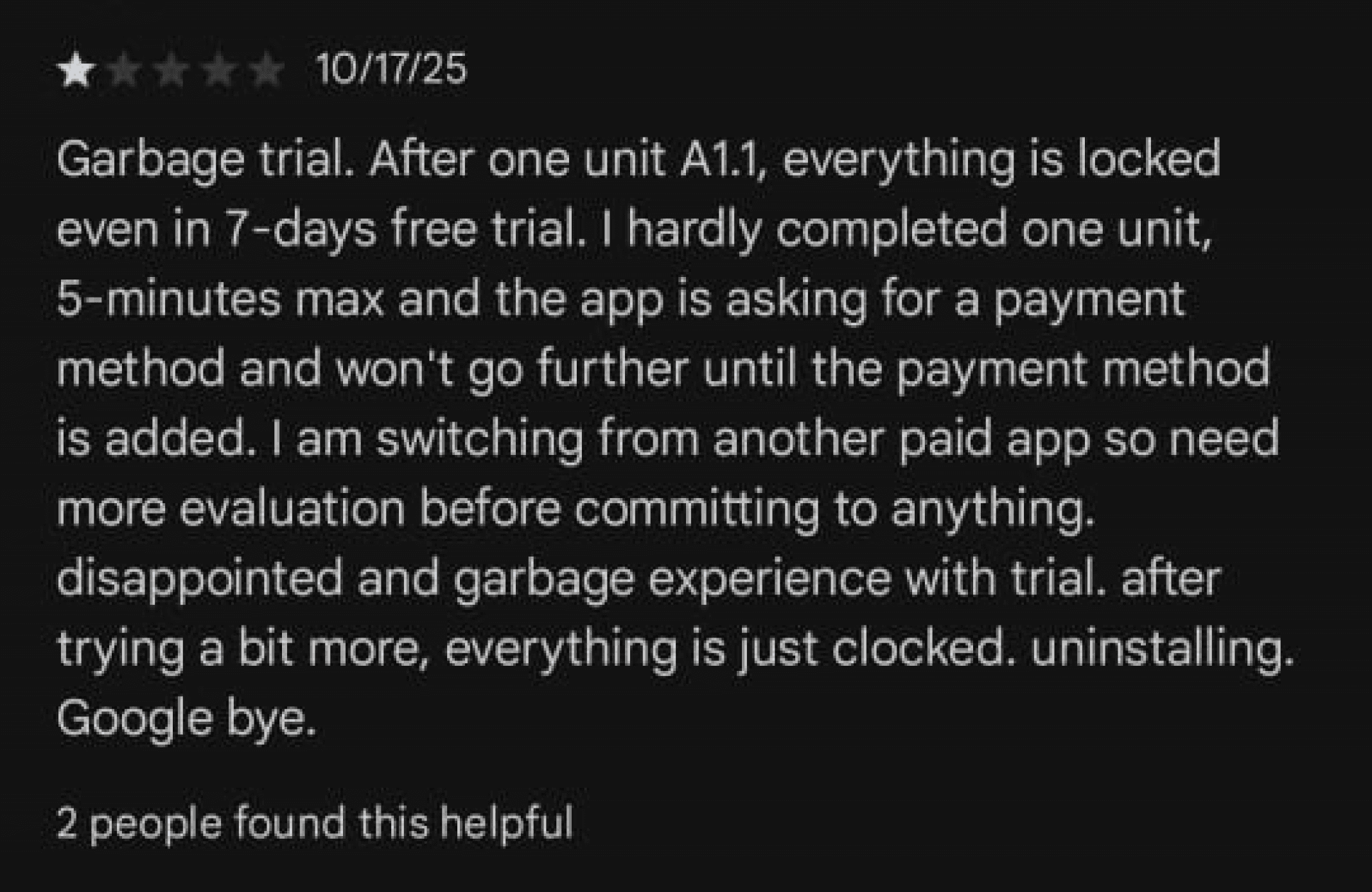


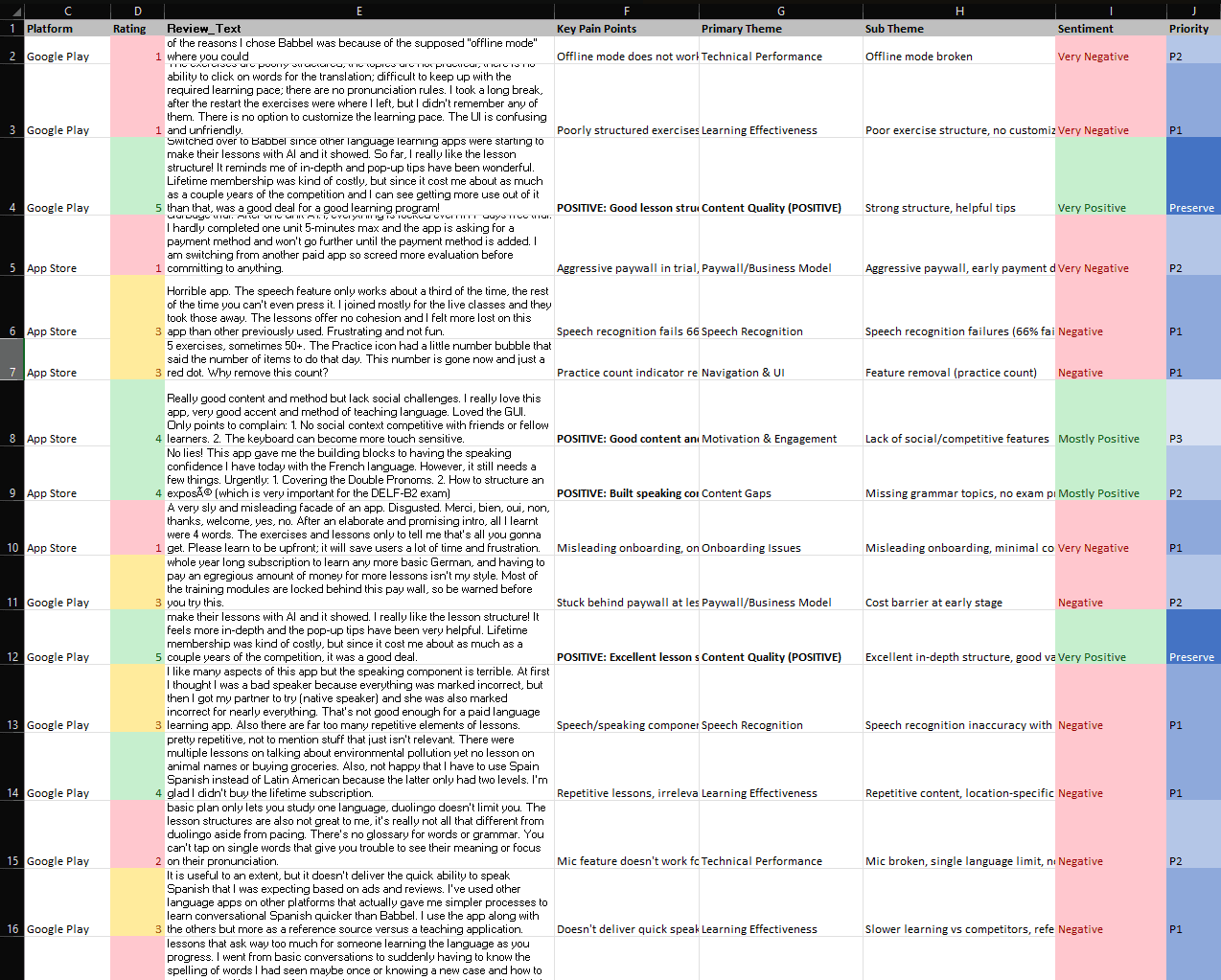

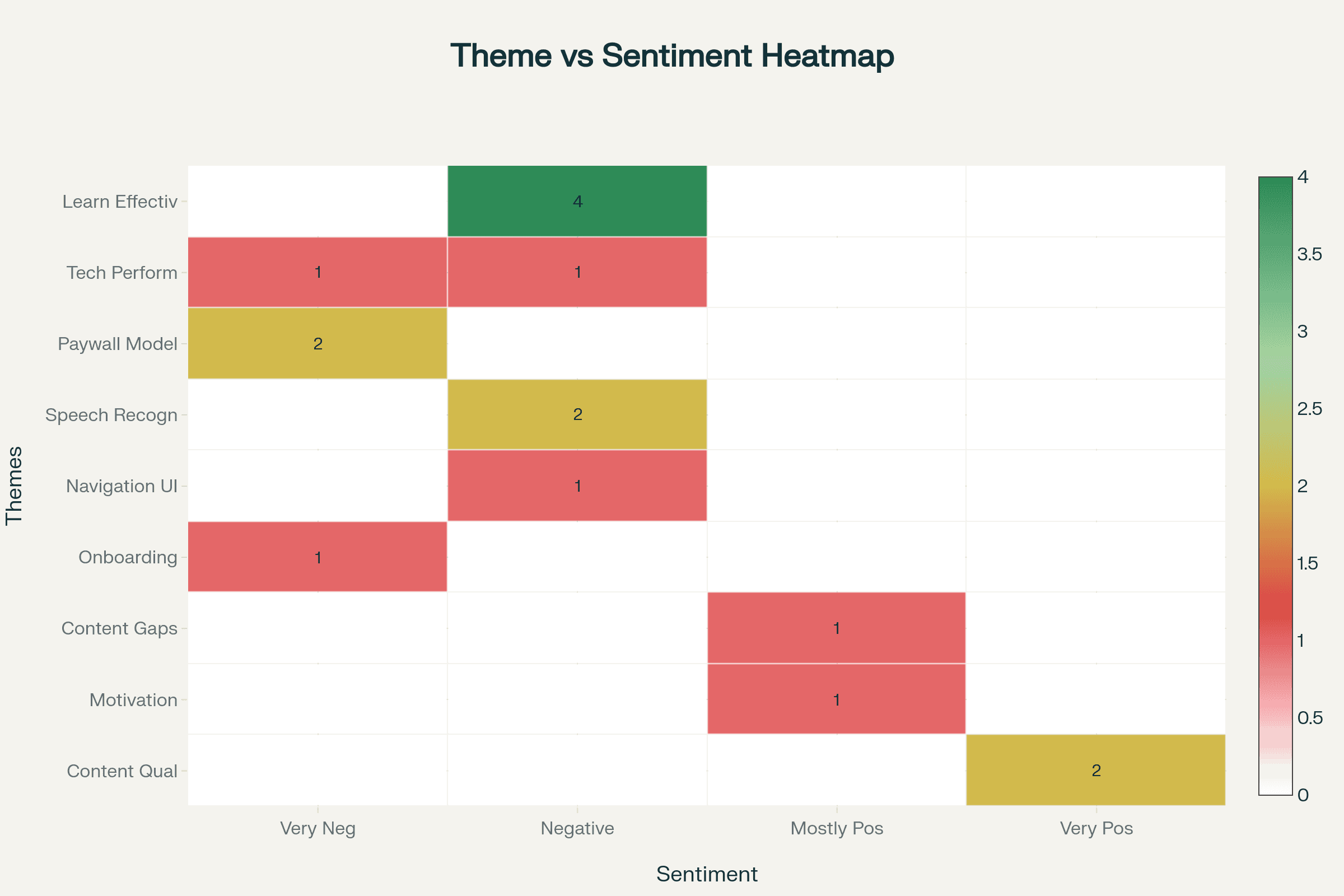

click to skip to SWOT

Fewer languages (especially non-European)
Community content (in earlier versions) added diversity
Structured, pedagogically sound content
Strengths
Opportunities
Weaknesses
Threats
Expand into new geographies
Lower user base
Freemium competitors
Very large user base
Expand into new markets
Depth of learning is limited
Market saturation in core markets and user fatigue
Strong in vocabulary acquisition
Reinvent or emphasise the community/UGC side
User-generated content reduced.
Free alternatives keep improving
Spaced-repetition techniques
Expand into less-served languages/regions
“Flashcards + vocab” rather than full language paths.
flashcard-style learning may feel repetitive
Focused on conversational language learning
Develop specialisation in language learning type
Less “free tirer”
Rapid changes in tech (AI translators, voice assistants)
Gamification / frequent feedback loops
move beyond “basic vocabulary drills”
Over-reliance on gamification and “freemium” model
move beyond “basic vocabulary drills”
Partnerships with schools/universities
Brand and scale smaller compared to giants
Technology substitution: instant translation, voice assistants
Freemium + subscription model gives wide reach
Subscription model gives predictable revenue
Strengthen retention via new UX/engagement features
community aspects, offline and hybrid models.
Economic downturns may reduce spending on subscriptions/training
Fast innovation: integrating AI-driven features
Partnerships with educational institutions, corporate trainings
Pushy notifications, repetitive content, AI
Monetisation risk if paying conversion remains low




Babbel
Structured, serious, and conversation-focused
Duolingo
Playful, addictive, and gamified
Memrise
Casual, visual, and vocabulary-centric
SWOT Analysis


SWOT analysis of three leading language-learning apps to understand how design choices and user experience strategies shape each platform’s success and limitations.

Heuristic Analysis
Visibility of System Status
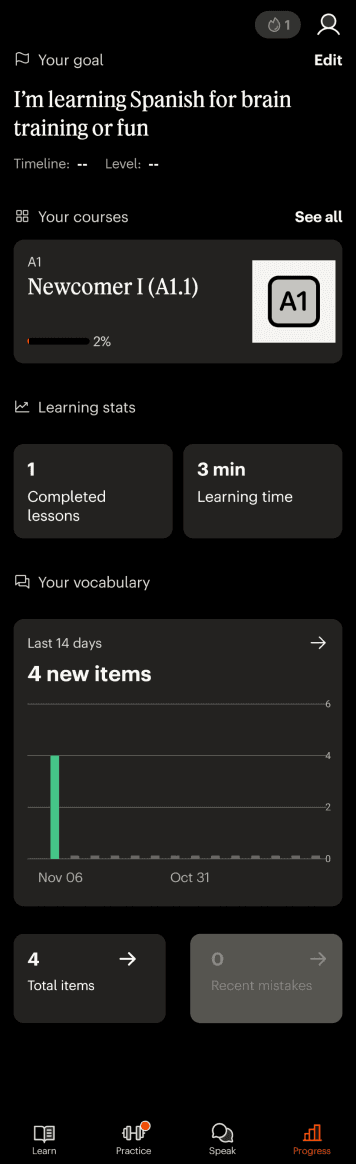
Navigation Bar has a Progress tab
Poor
Medium
Good
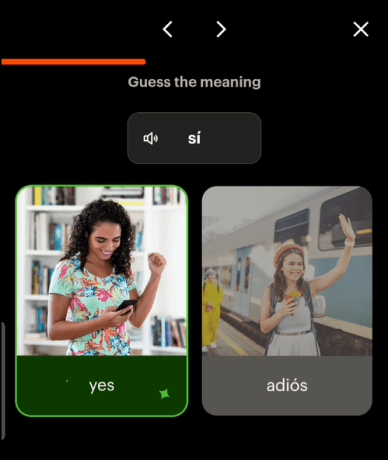
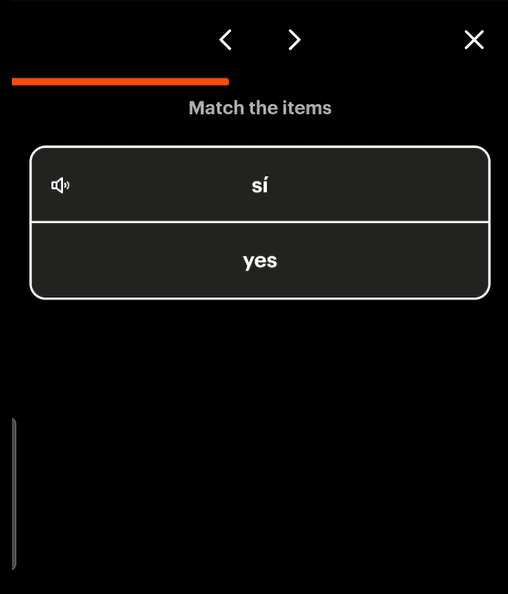
Progress bar at the top of each lesson progresses along with the lesson
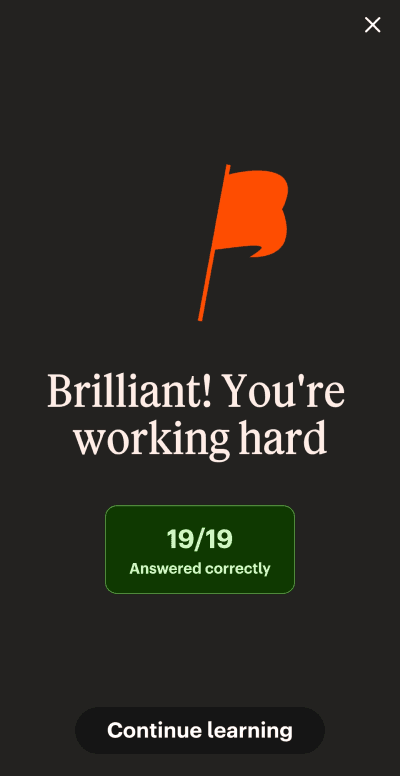
Lesson ending screen
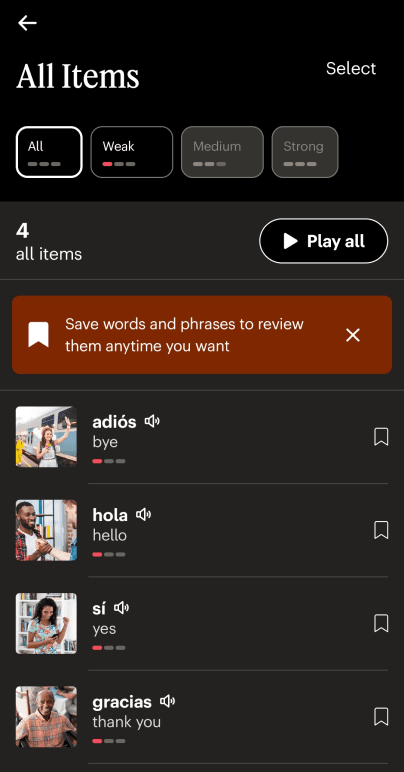
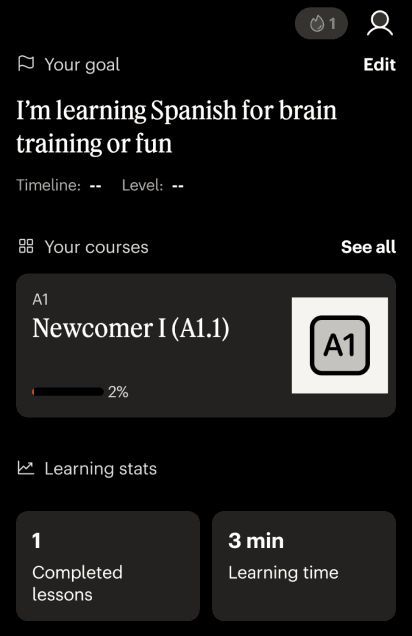
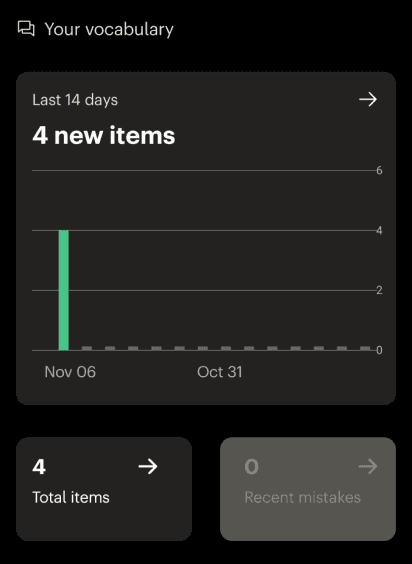
Number of items learned and timeline
Clear progress course wise, time invested as well as individual items learned.
Details of the items learned.
Saving options and levels mentioned.

Match Between System and the Real World
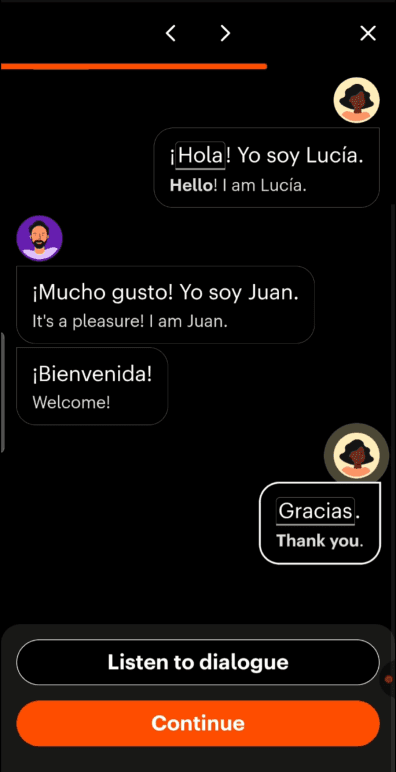
Culturally/realistically appropriate examples in conversation style are provided to practice
Conversation styles with different people available for practice
Option to listen to the conversation progression even if it is outside of your lessons
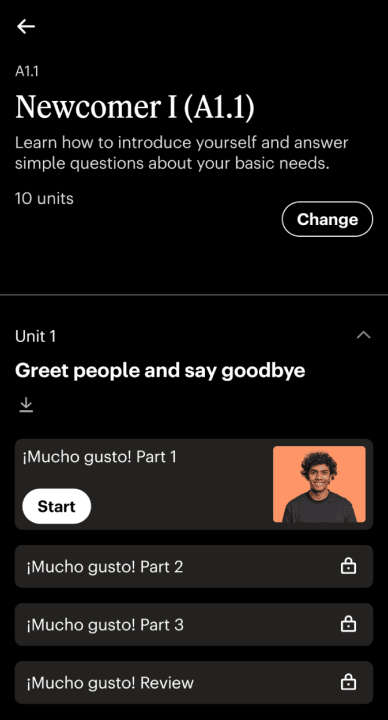
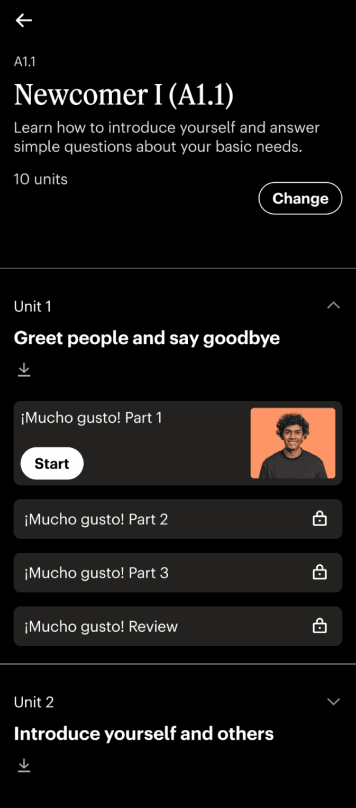
Users cans see what kind of lesson they are doing and change it
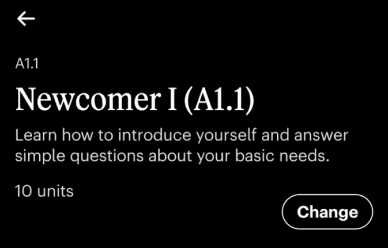
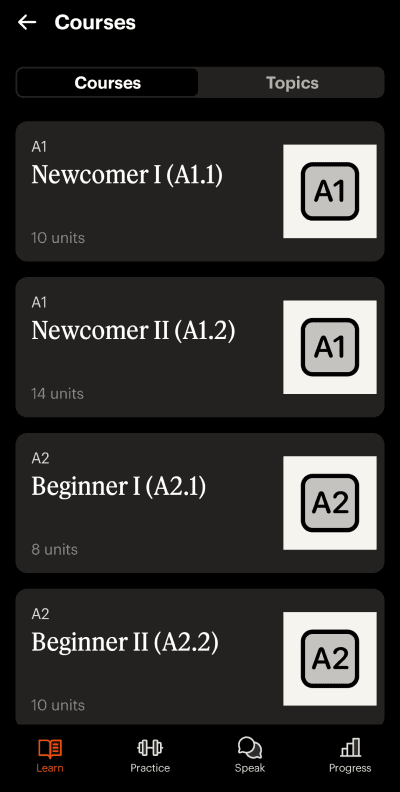
The lessons are structured according to CEFR, a widely recognized international standard for describing language proficiency
Most users, especially the ones relocating would be familiar with these standards, but casual learners might not be
Poor
Medium
Good
User Control and Freedom
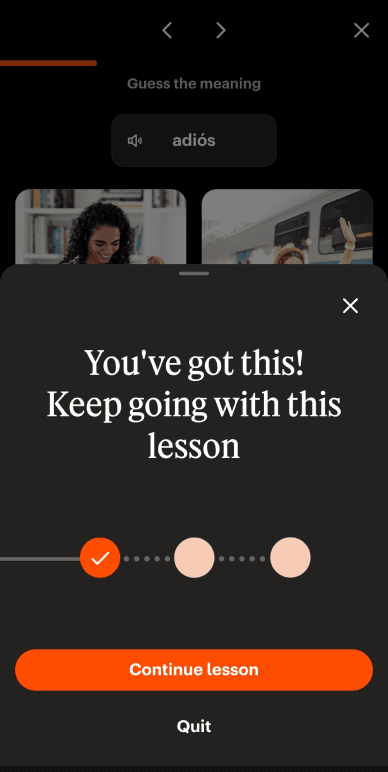
Quitting and resuming in the middle of the lesson
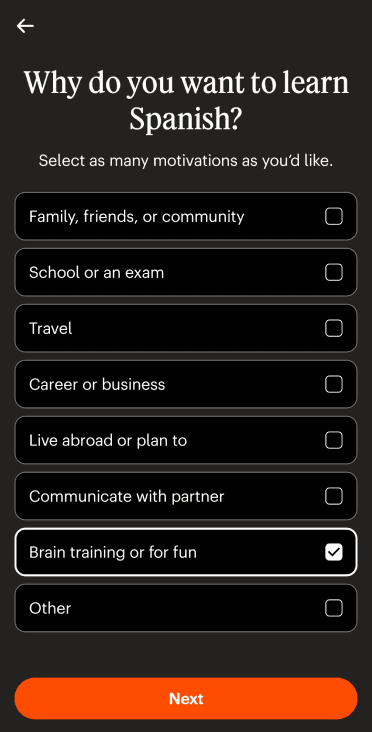
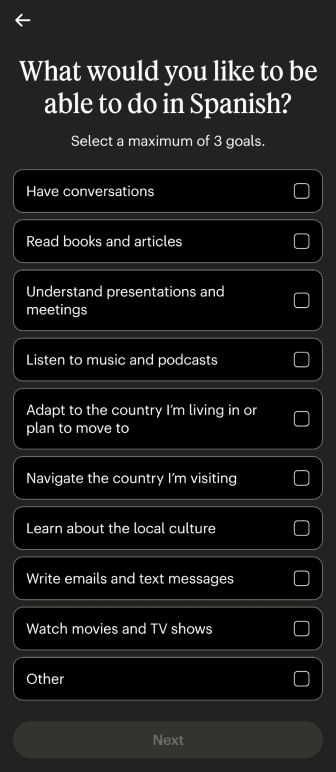
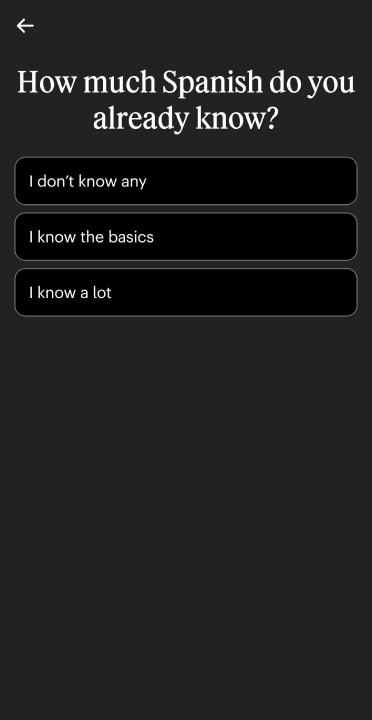
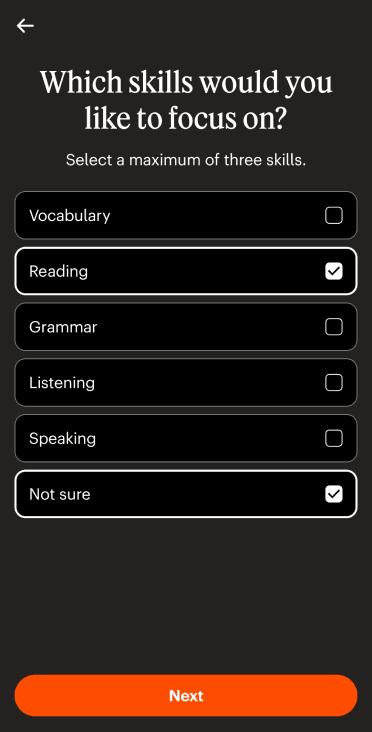
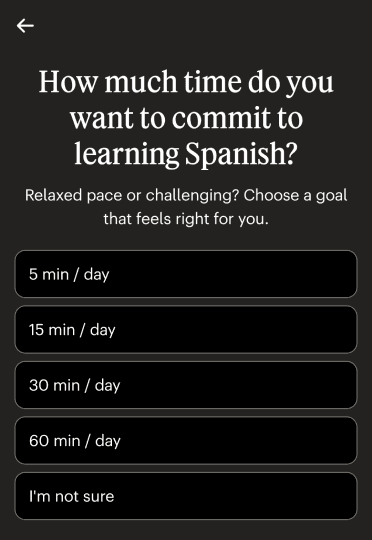
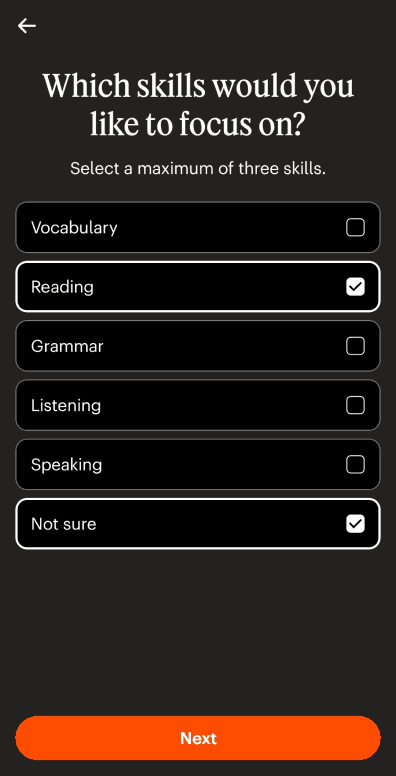
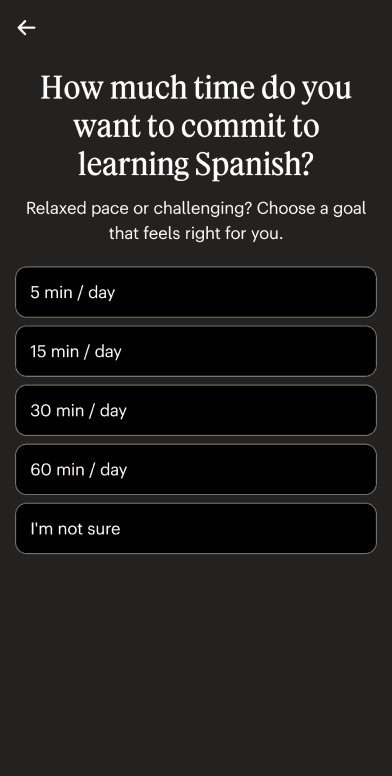
Users are asked a set of questions during onboarding to curate the lesson according to their needs
Recording and reminders can be controlled via settings
Retaking a completed lesson
Poor
Medium
Good
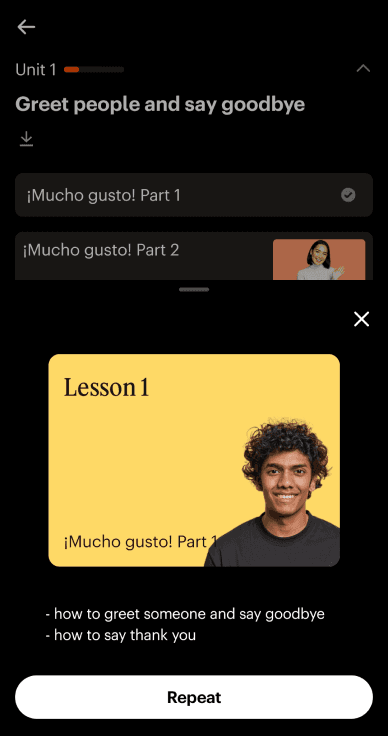
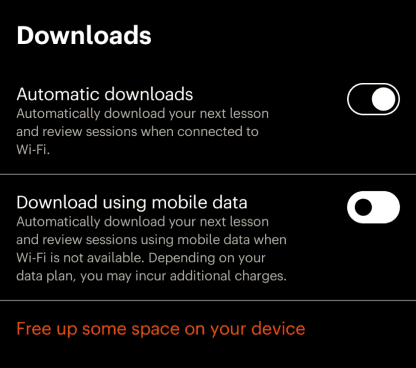
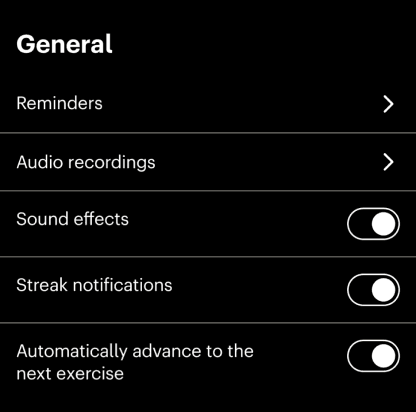



Consistency and Standards
Conventional color systems
green for right answer and red for wrong answer
Navigation bar icons are consistent throughout
Correct answer
Incorrect answer
Poor
Medium
Good
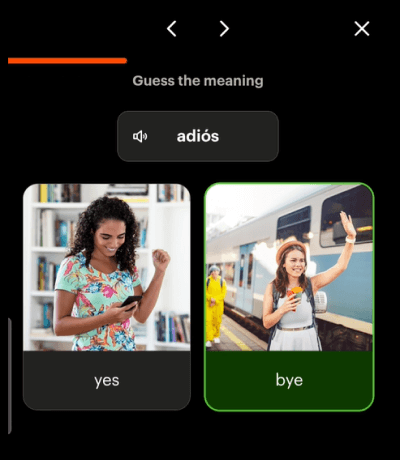
Error Prevention
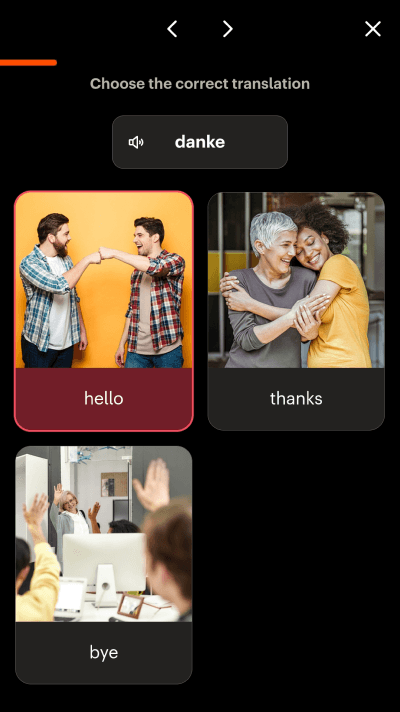
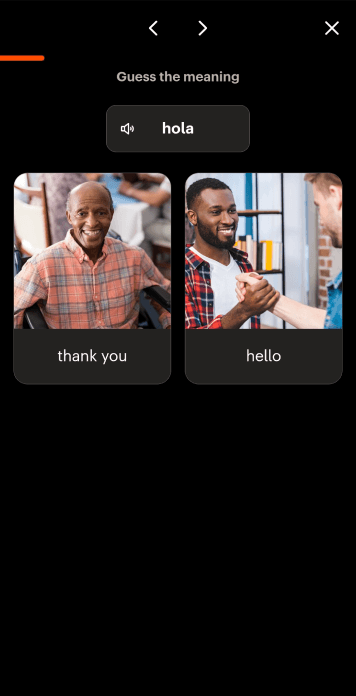
The lesson doesn’t progress unless you choose the correct option.
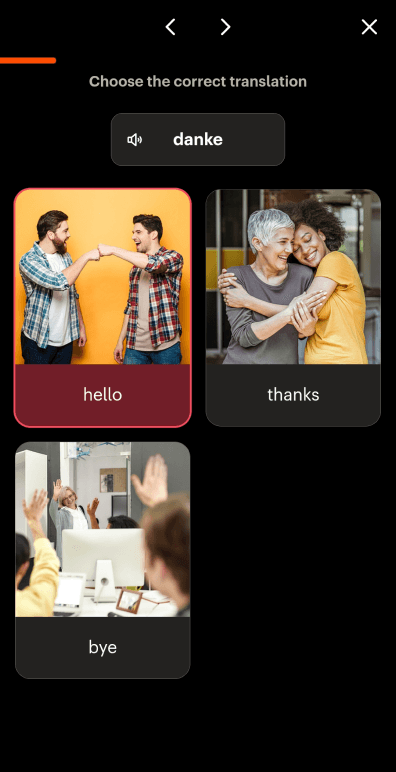
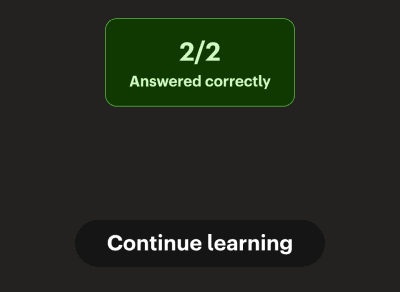
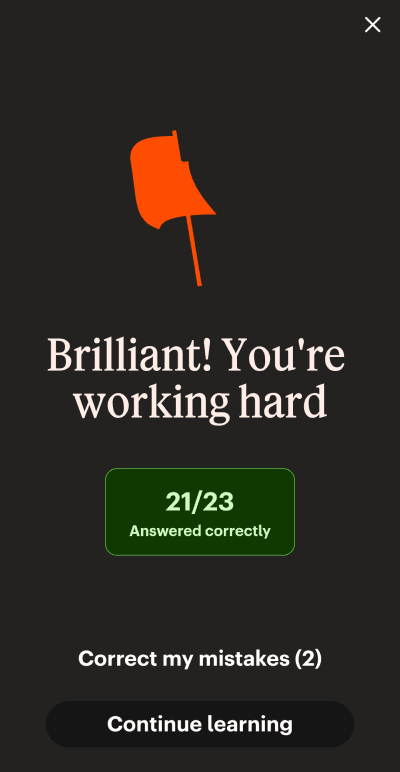
The task completion screen gives you the option to correct the mistakes made during the lesson
Going back to reselect the choices is possible during on boarding but not once the onboarding has ended.
After correction
Poor
Medium
Good
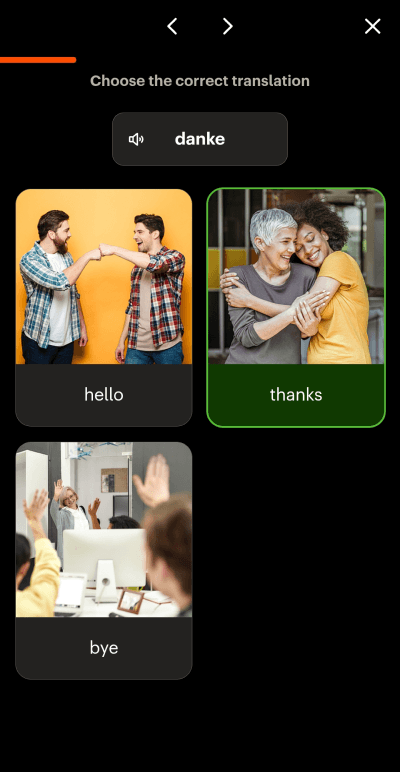
Recognition Rather Than Recall
Repeated practice of the same word in parts during the lesson
Old lessons can be accessed again
Poor
Medium
Good
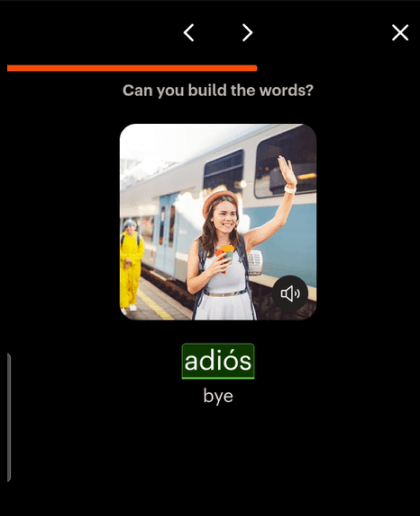
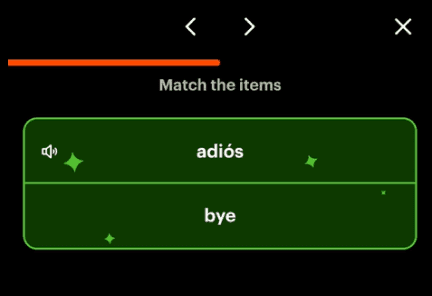
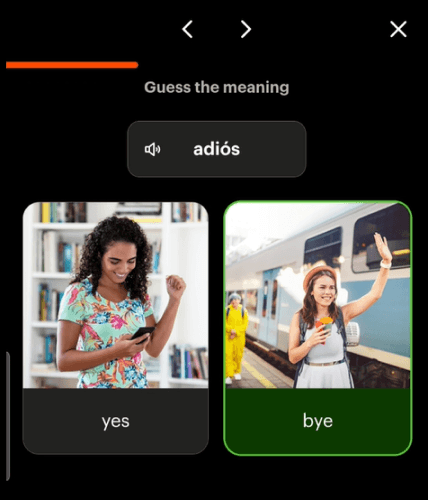
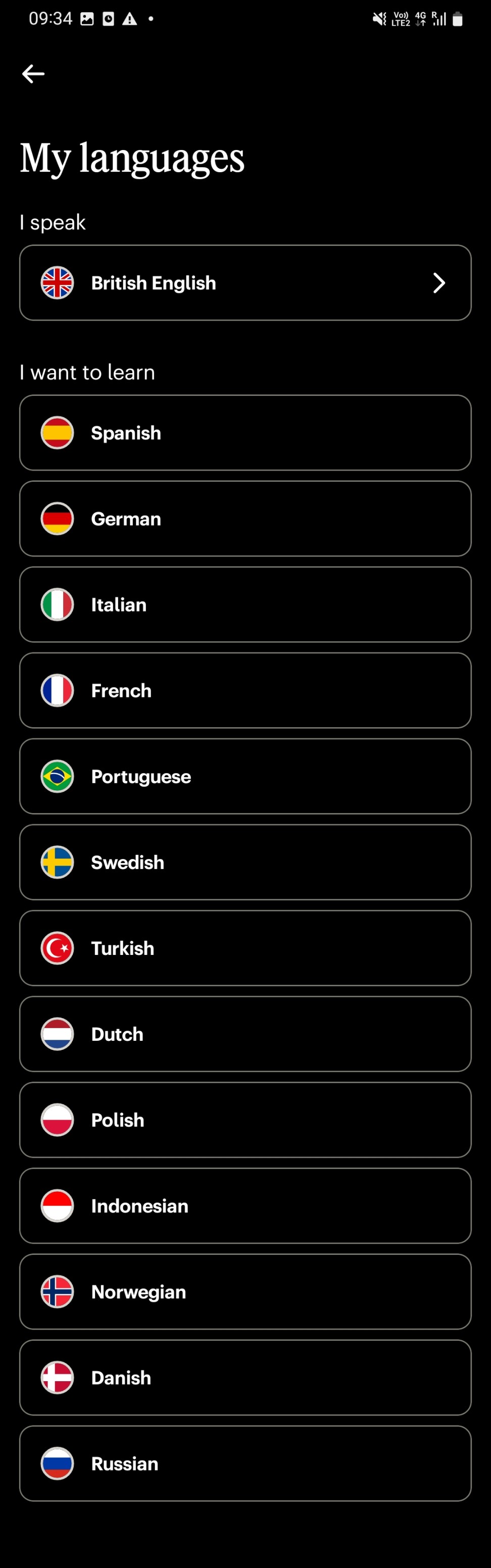
Flexibility and Efficiency of Use
Navigating through lesson questions is possible
Picking language again is possible but curating the lesson only happens during on-boarding with the first language
The only efficiency control available is controlling if the user can see the translation
Poor
Medium
Good

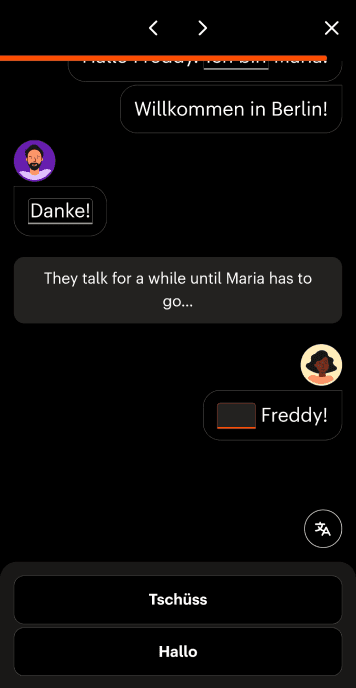
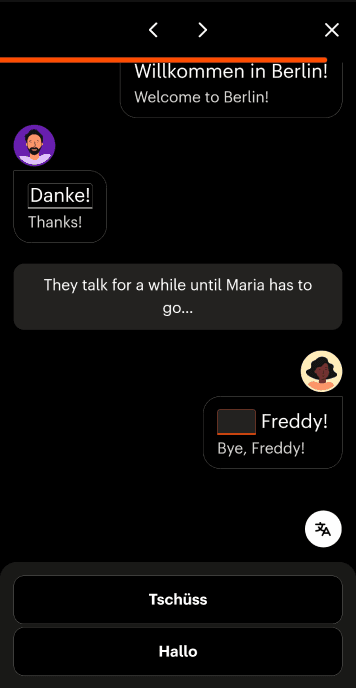

Aesthetic and Minimalist Design
The lesson screen only includes the questions and answer options and the progress bar
The information is nested withing the nav bar options and options withing them
The home screen is not crowded but the nesting of information isn’t clear, hard to find what info is in which tab
The button to translate is available for speech and conversational questions
Poor
Medium
Good
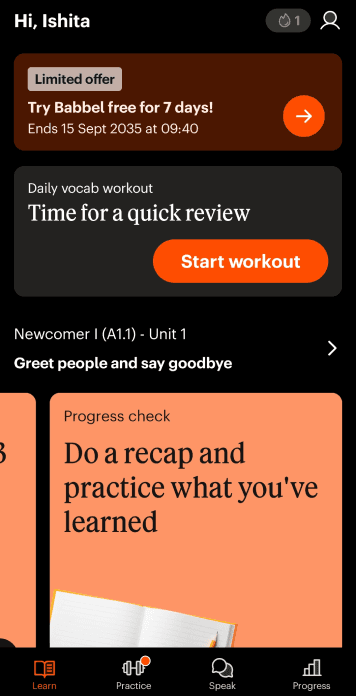
Help Users Recognize, Diagnose, and Recover from Errors
Poor
Medium
Good
Subscription/payment failures and error messages.
The incorrect answer does not tell why it is incorrect
Error message for lost connection
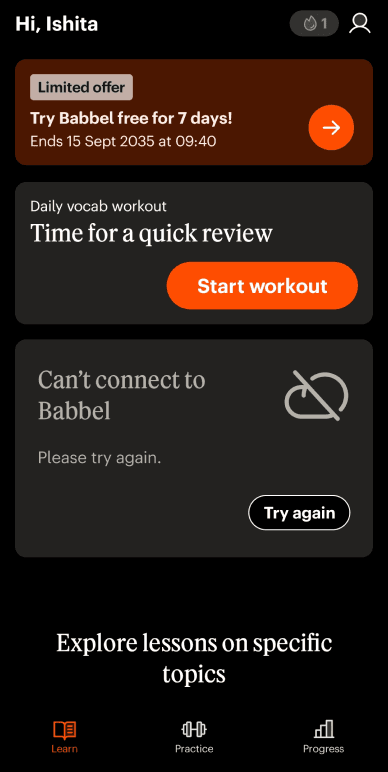
Help and Documentation
Poor
Medium
Good
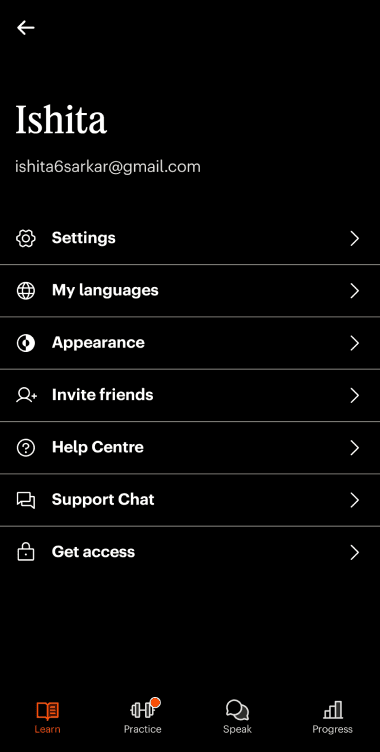
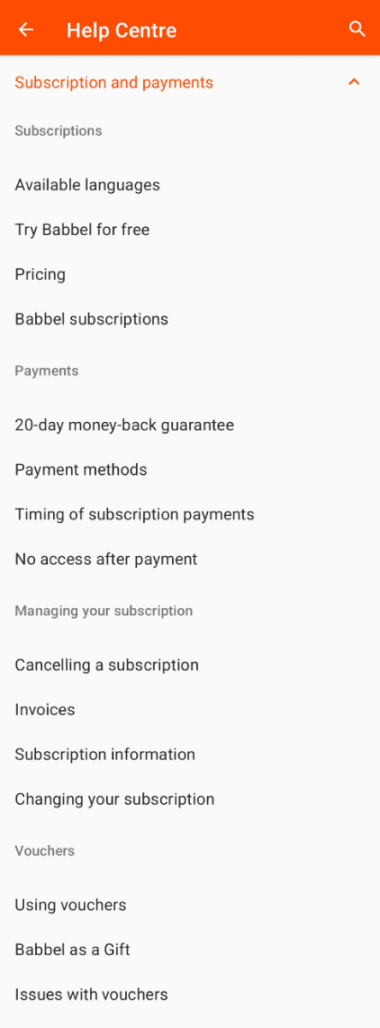
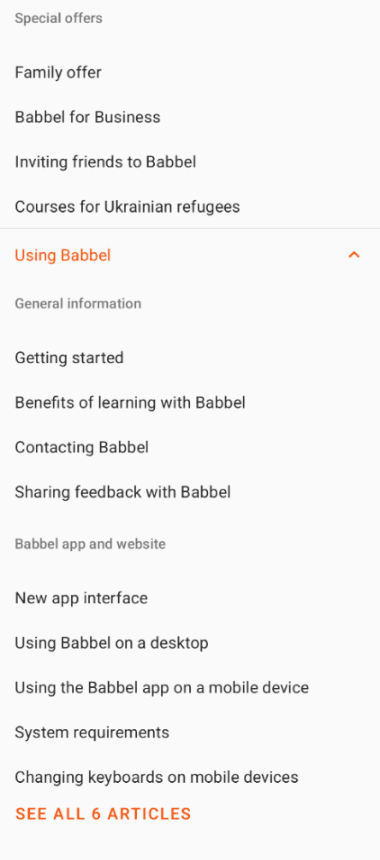
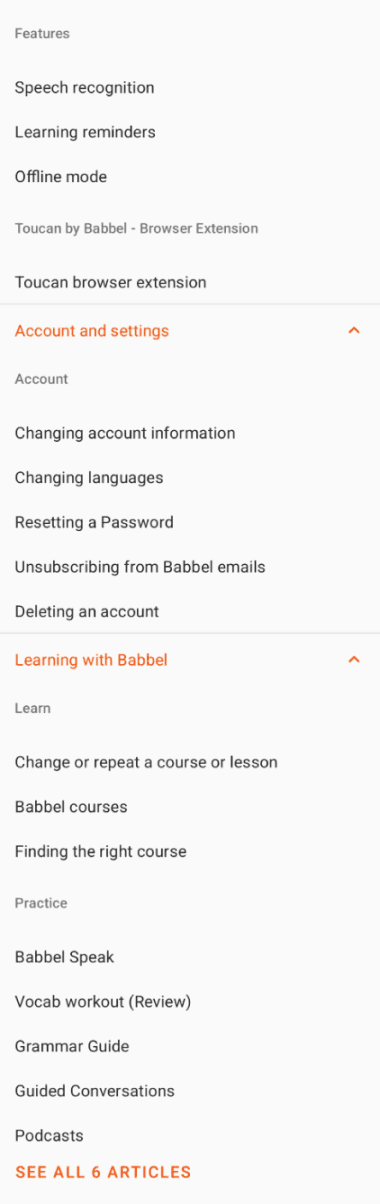
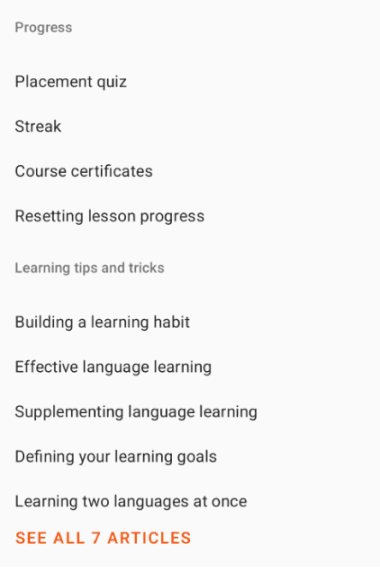
The help center can be accessed through settings
Hard to navigate as too many option tabs are available

UX laws

We looked at 3 relevant UX laws, using the insights from our heuristic evaluation to rate them and generate insights.
Consistent Progress Bar Placement
Detailed progress bar at the top of lessons that fills as users advance
Clean, Minimalist Interface
Hidden Review Section is confusing for new users
User reviews highlighted that the practice bubble number was removed, leaving just a red dot
Despite aesthetic appeal, users report the home screen is cluttered and hard to parse
Onboarding Complexity
When lessons feel redundant or irrelevant the sense of "moving forward" weakens
Inconsistent Nesting of information
Extremely early paywall hit without prior notice
Positive reinforcement with clear CTA follows conventional learning app patterns
The completion screen shows streak count and mastery ("10/10 Exercises completed")
Consistent Design Language
Progress tab displays learning timeline, but is not very detailed
Culturally Appropriate Examples
Jakob's Law
"Users spend most of their time on other sites and apps, so expect yours to work the same way"
Goal Gradient Effect
"Motivation increases as users get closer to their goal"
Aesthetic Usability Effect
"Visually appealing designs are perceived as easier to use"
Rating
Medium to Good
Needs Improvement
Rating
Medium
Progress Tab needs changing
Rating
Fairly Good
Progress Tab needs changing
what works 🙆♂️
what works 🙆♂️
what works 🙆♂️
what doesn’t 🙅♂️
what doesn’t 🙅♂️
what doesn’t 🙅♂️

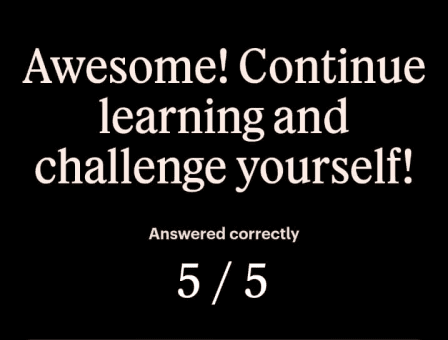
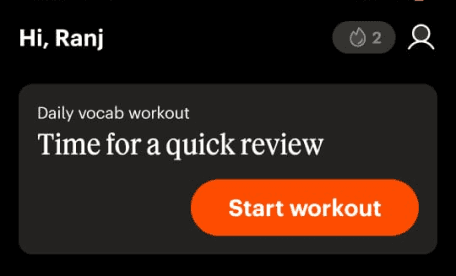

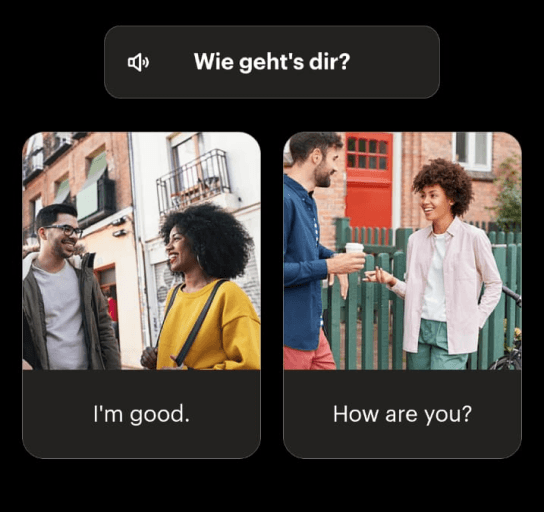

HTA
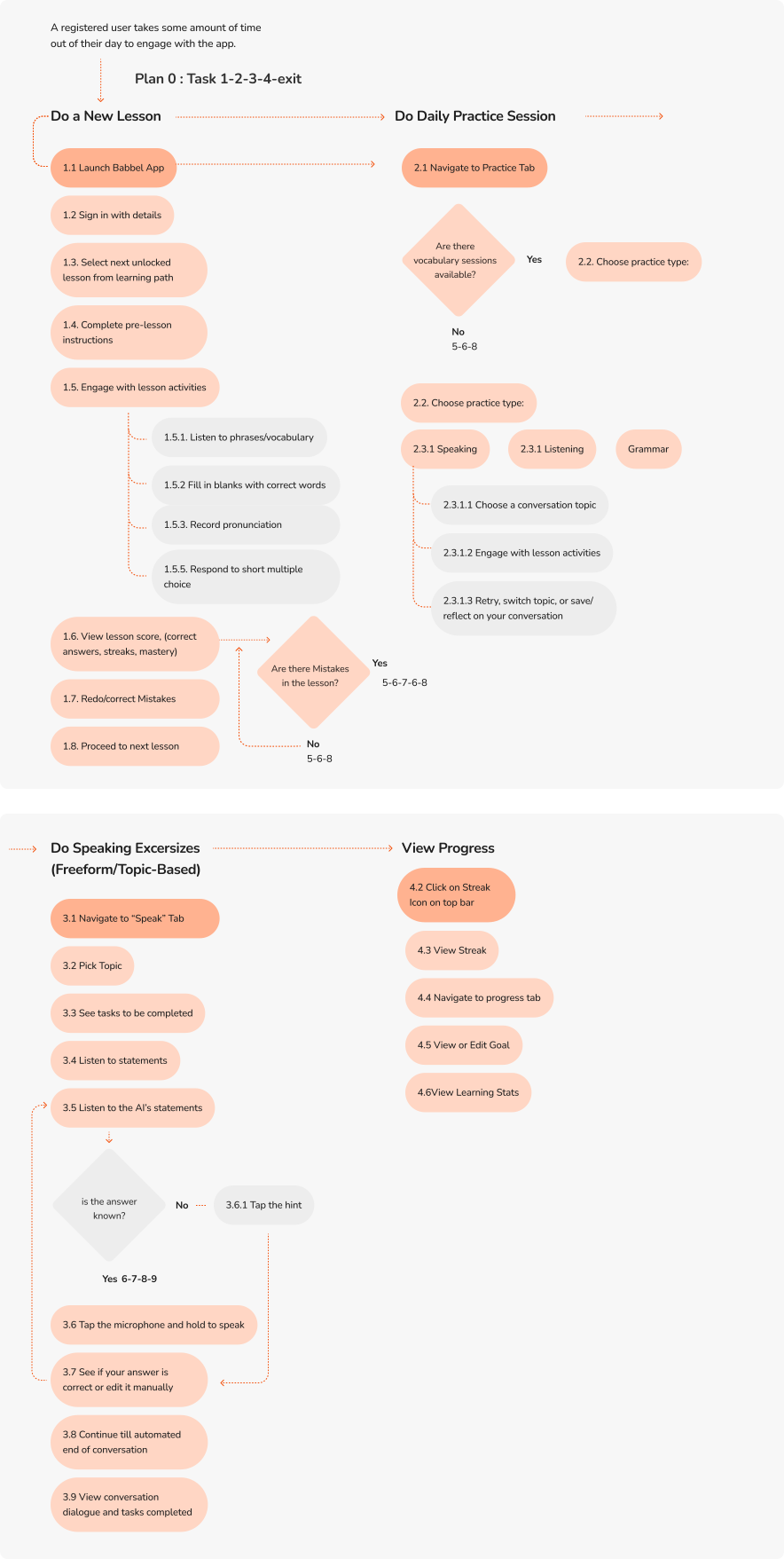
We divided the app flows into 4 main tasks and then did the task analysis.

Overall Task
User Takes some amount of time out of their day to do their daily language learning. They finish the daily lesson and spend some amount of time on the app for learning.
Task 1 : Do a New Lesson
Task 2 : Do Daily Practice Session
Task 3 : Do Speaking Excersizes (Freeform/Topic-Based)
Task 4 : View Progress

SUS
Participants were asked to go through the tasks over a period of 4 days.
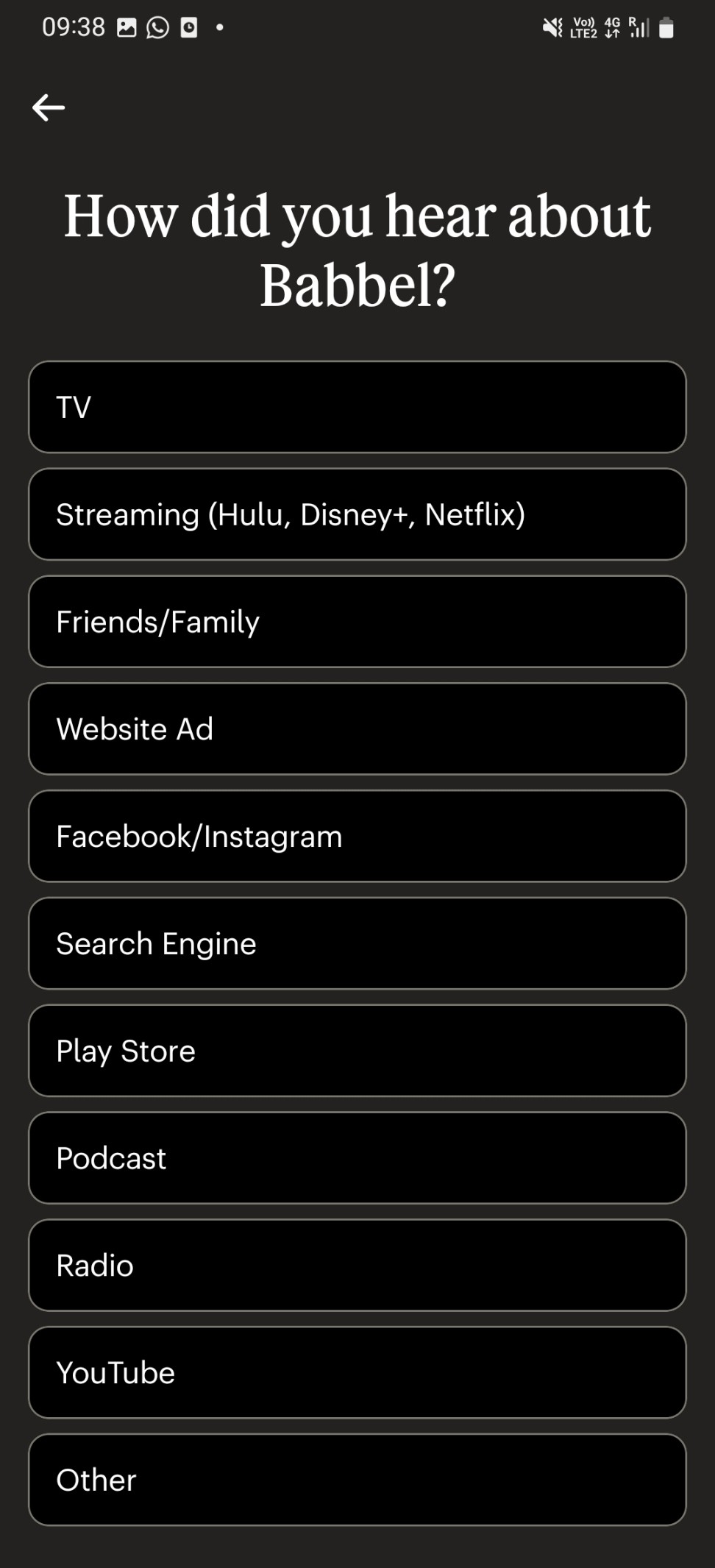
Onboarding and sign up
Do a new lesson
Do a new lesson
Do a daily practice session
Do a daily practice session
which falls far below the 50th percentile score of 68. 👎
Do Speaking Excersizes (Freeform/Topic-Based)
Do Speaking Excersizes (Freeform/Topic-Based)
View Progress
Task 1
Day 1
Days 2-4
The average SUS score for Babbel lies at
41.25
Task 2
Task 1
Task 3
Task 2
Task 4
Task 3
Task 4





Testing outline


Problem Areas
After our user research, we listed the main problem areas and possible ways to intervene.
Unnecessary taps
Repeated promos in the middle of onboarding
Repeated promos in the middle of onboarding
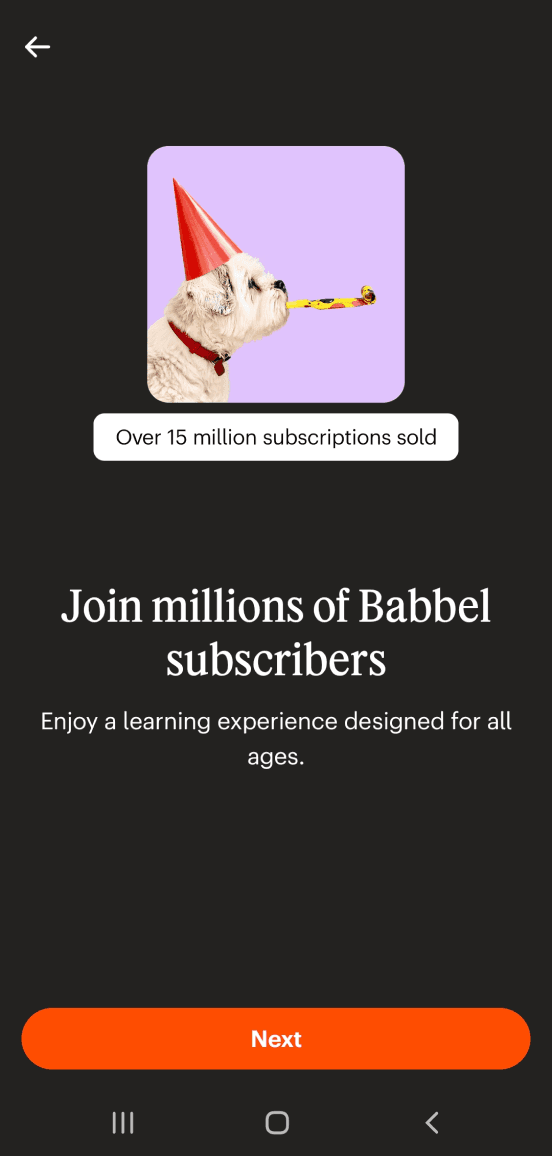
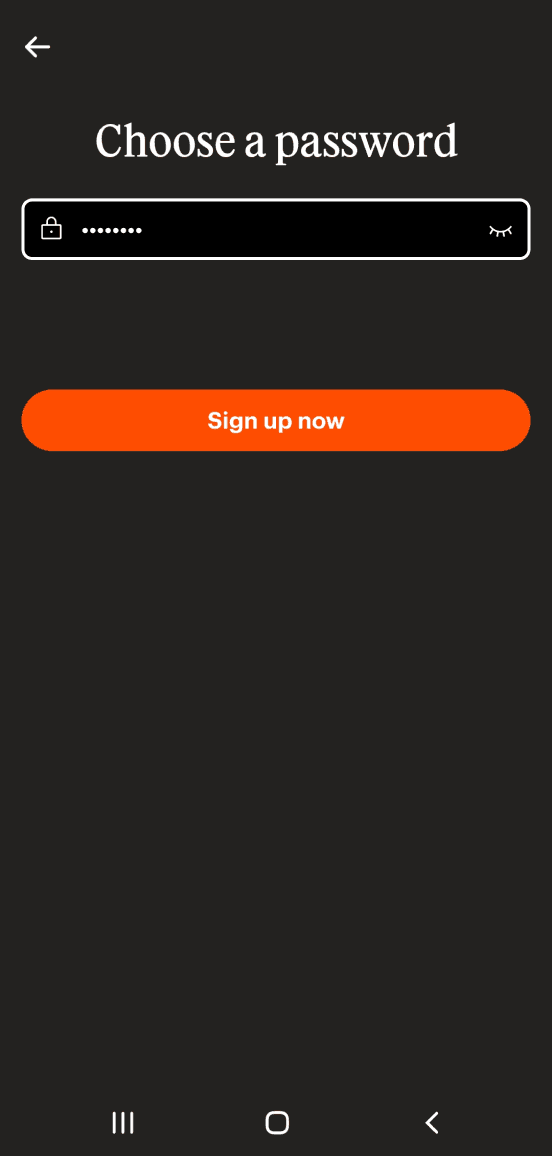
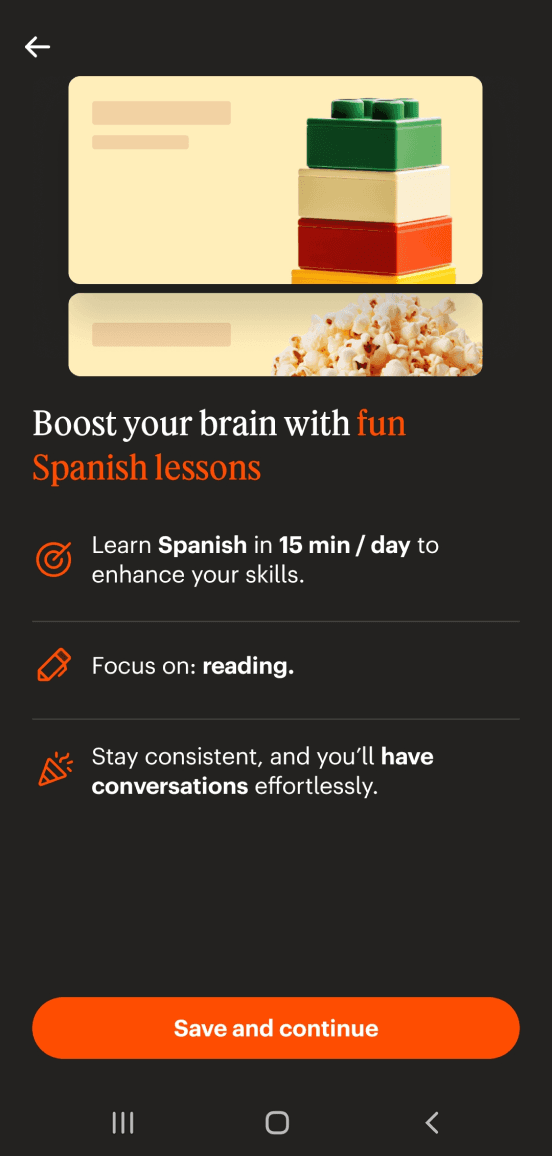
Onboarding flow is tedious.
Confusing IA
Contrast Issues
Gamification and incentive to maintain progress
Drop offs can happen in onboarding itself.
Adding extra nudges and gamification.
Current IA has too many nested features with low discoverability.
Some screens have contrast issues or do not feel streamlined.

New User Flows
After iterating, we came up with new user flows
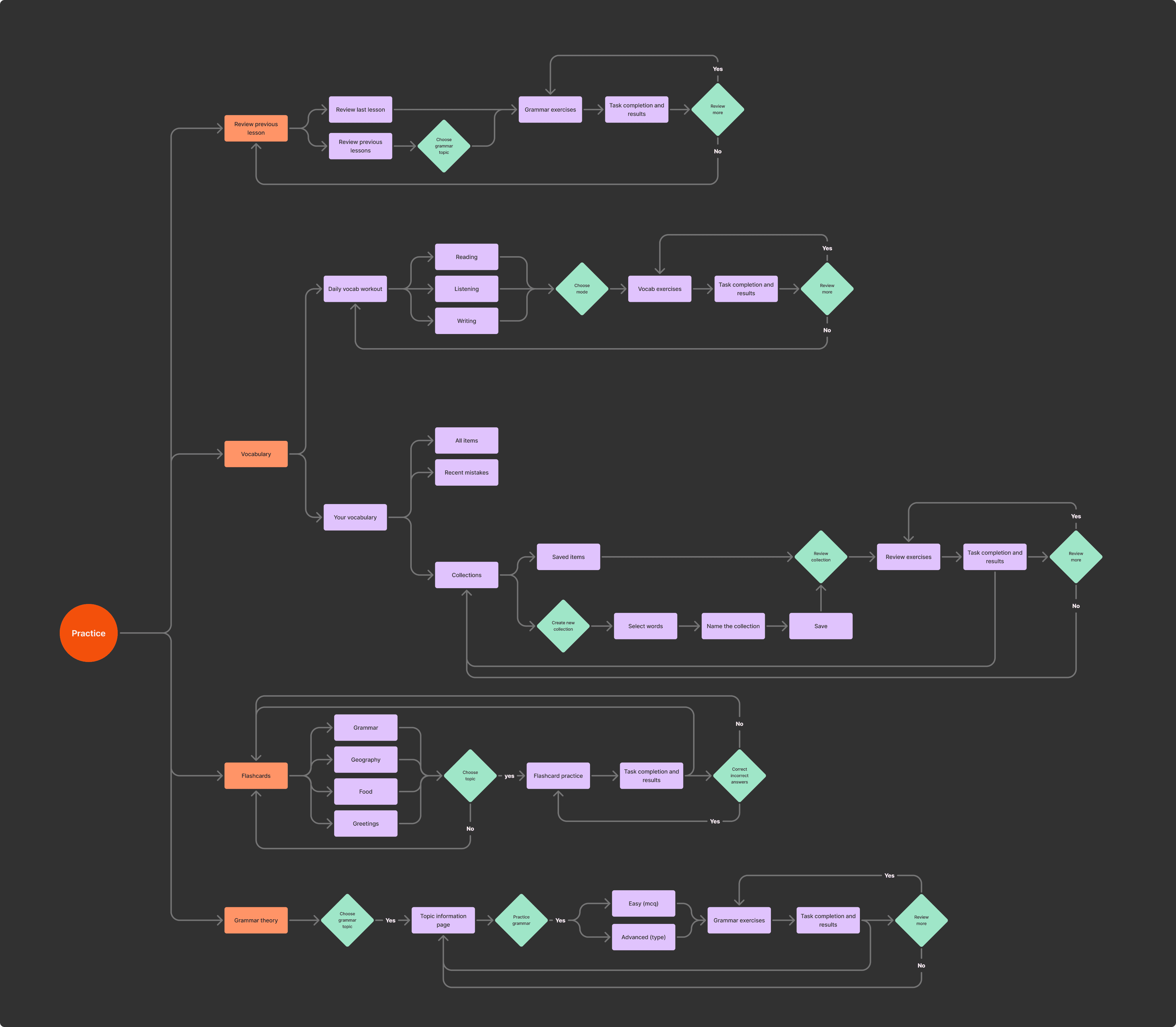

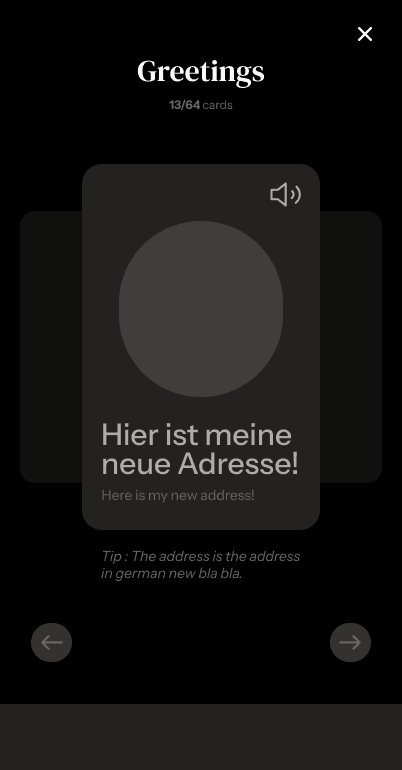
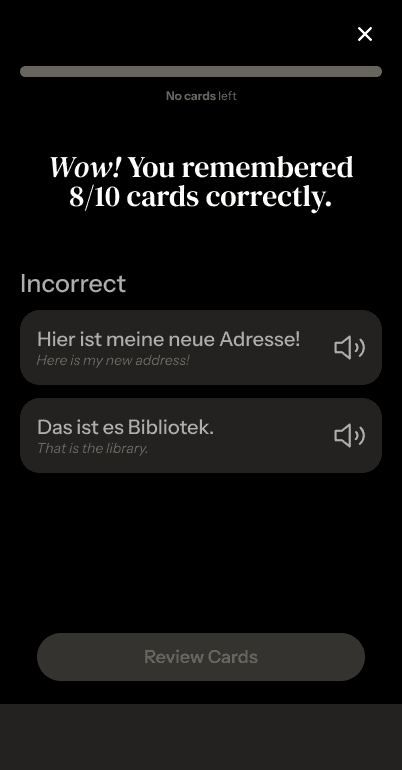
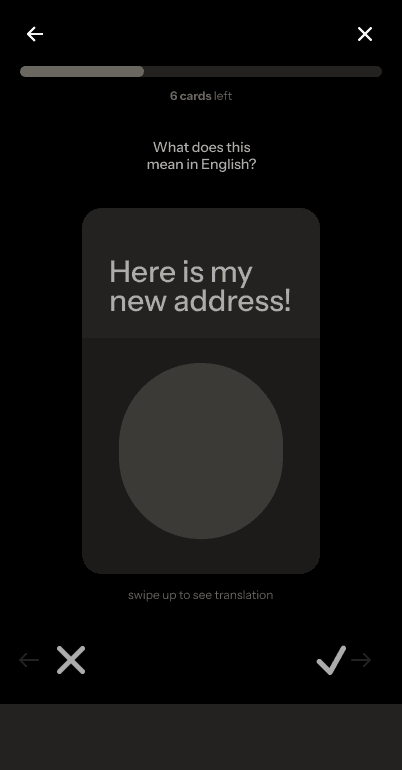
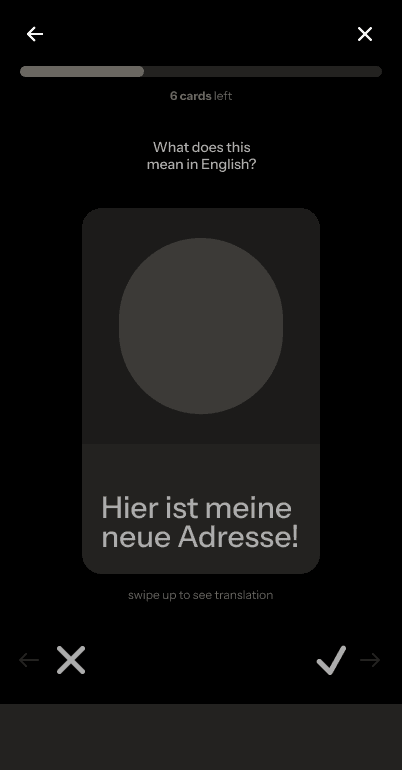
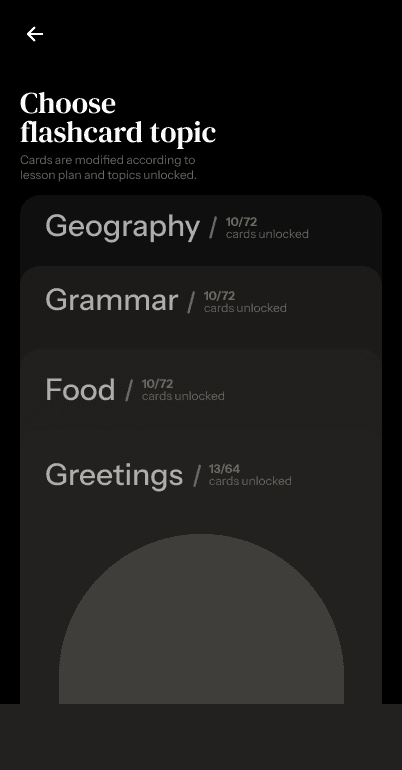
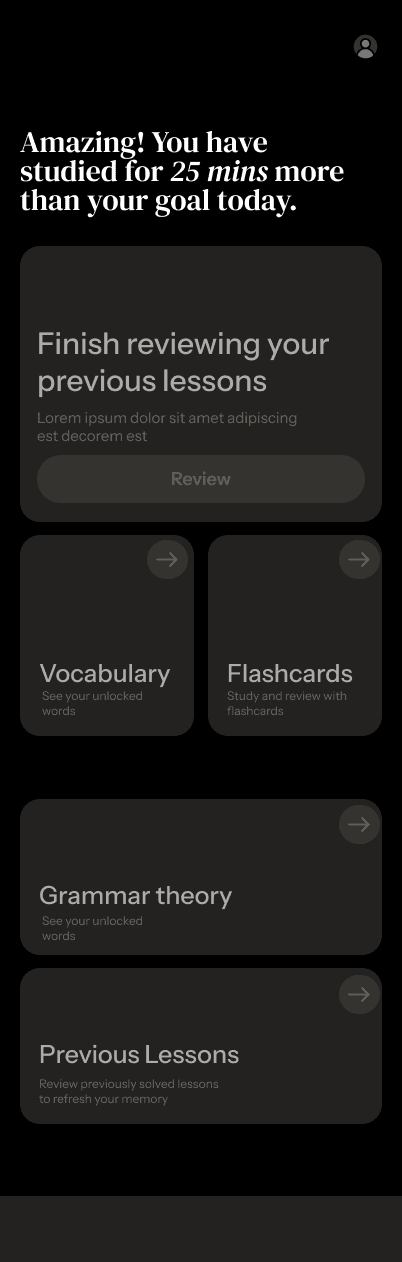
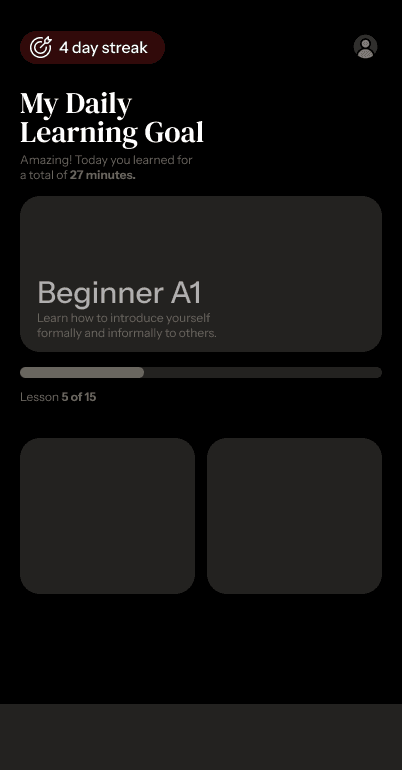
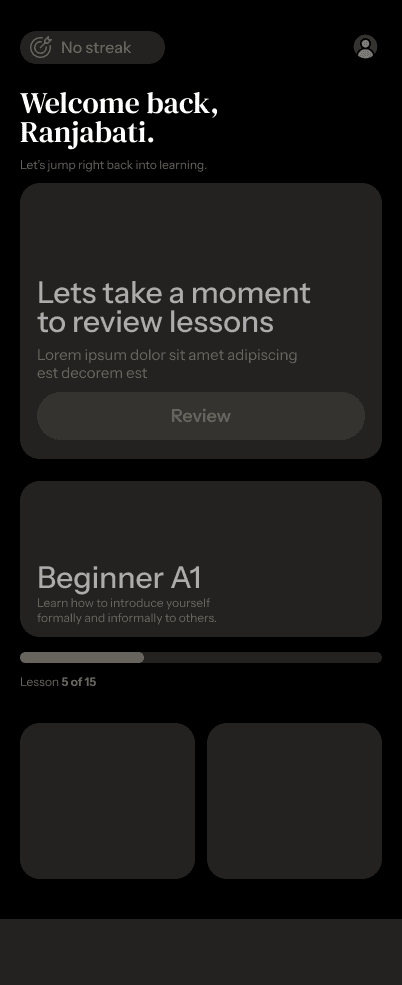
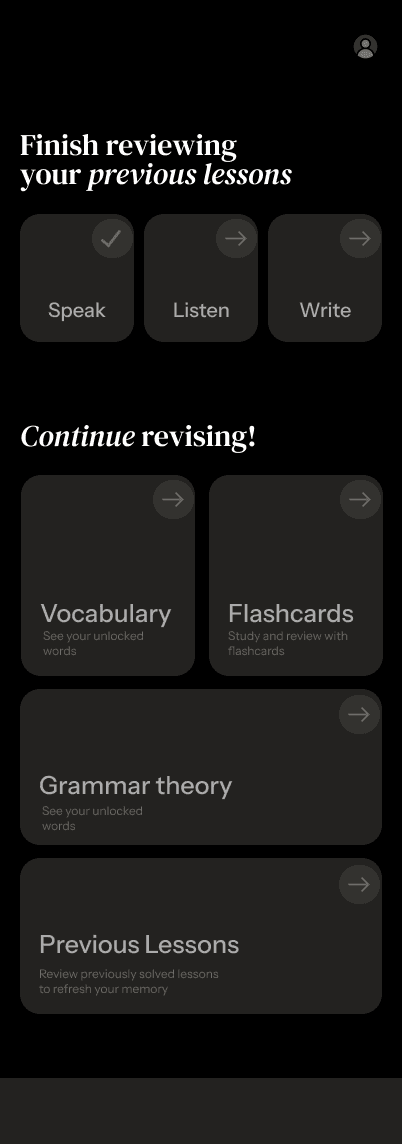
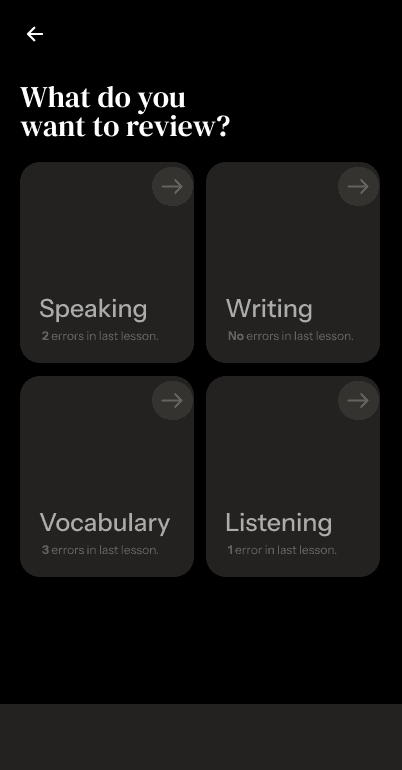
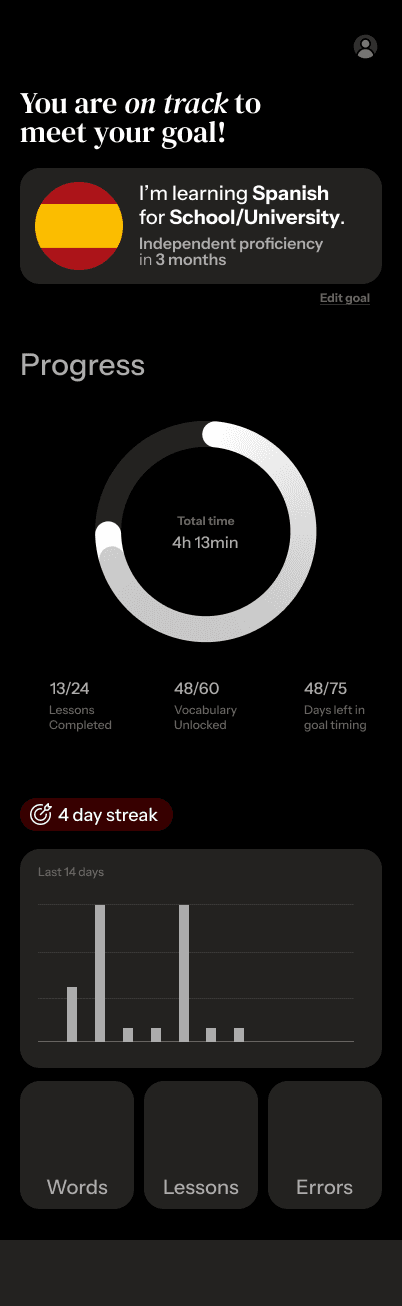


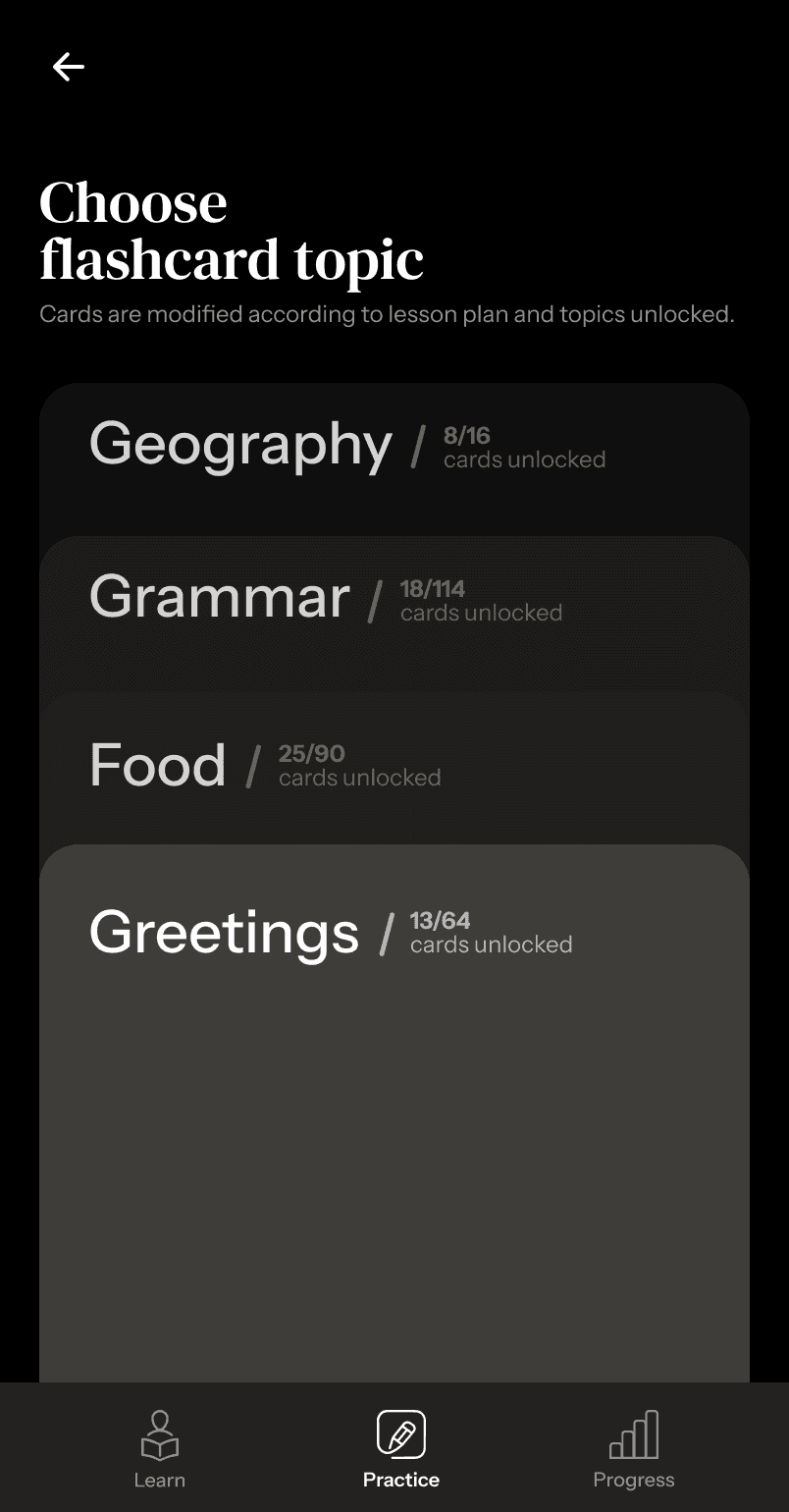
Flashcards were moved to a separate tab instead of the specific review page.
Final Screens
Final UI redesign of the wireframes

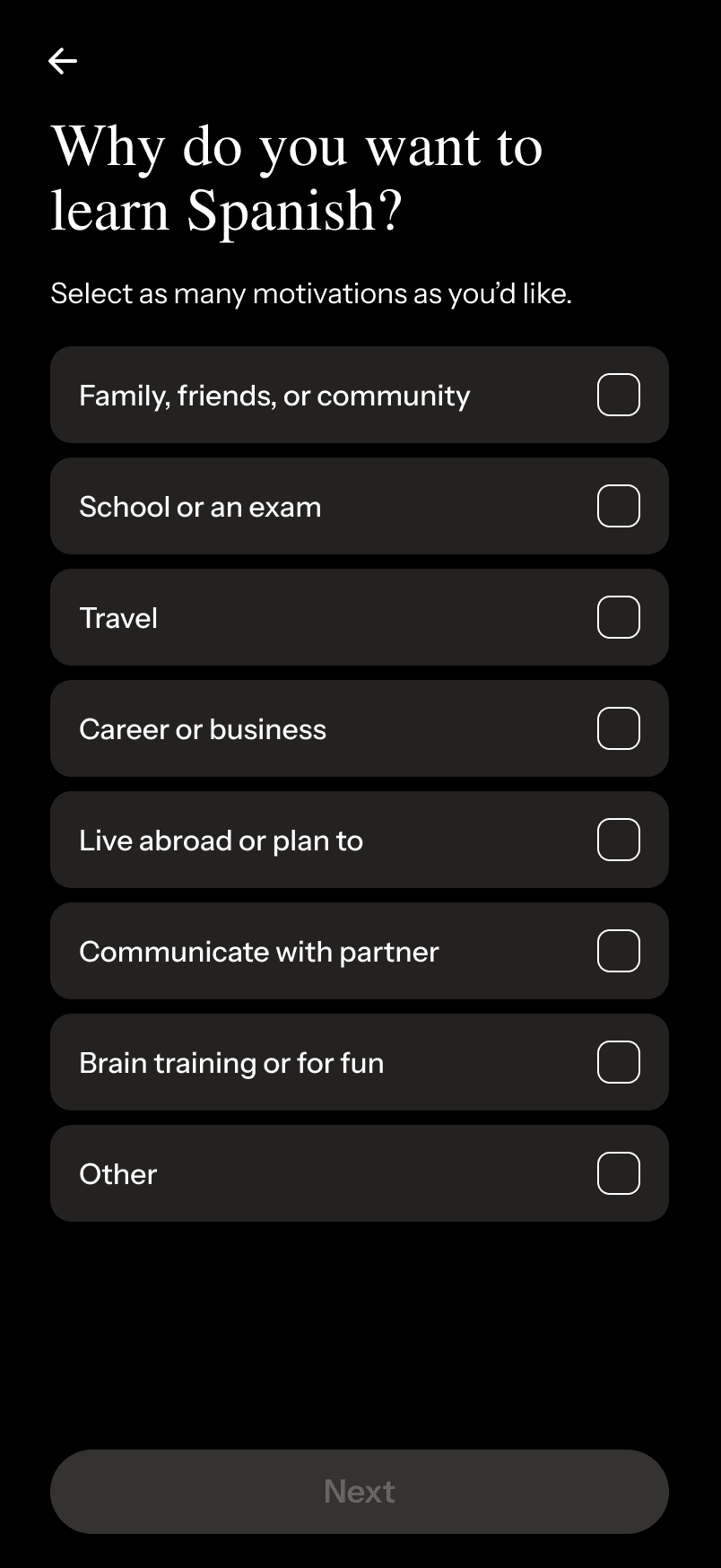
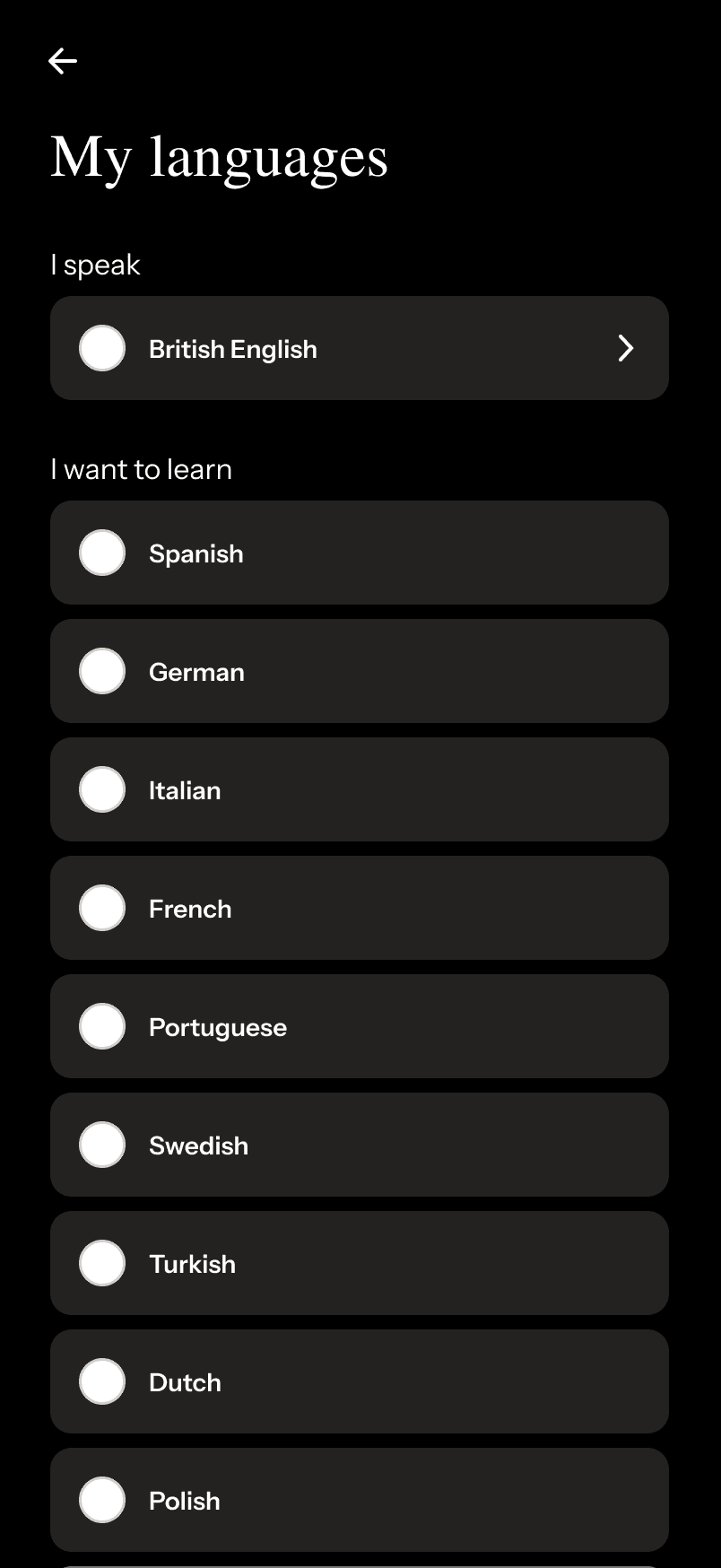
Simplified Onboarding flow
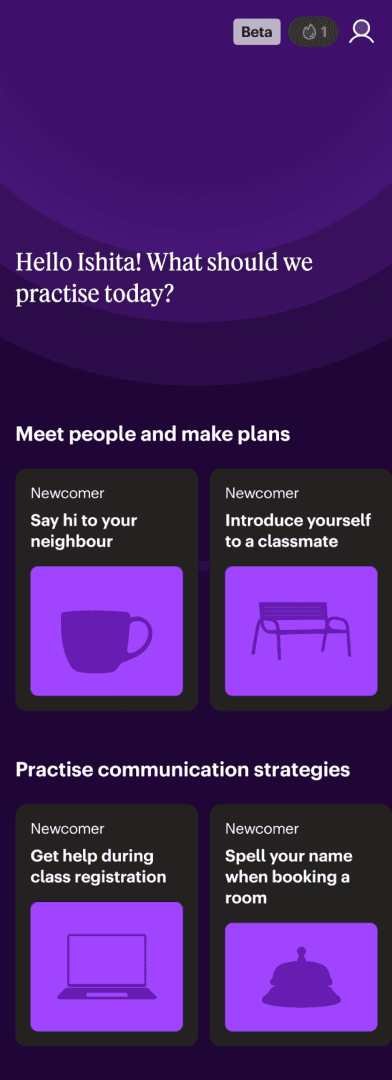
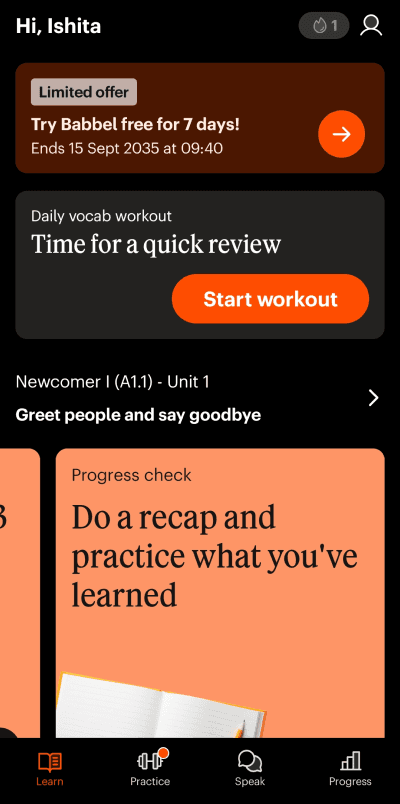
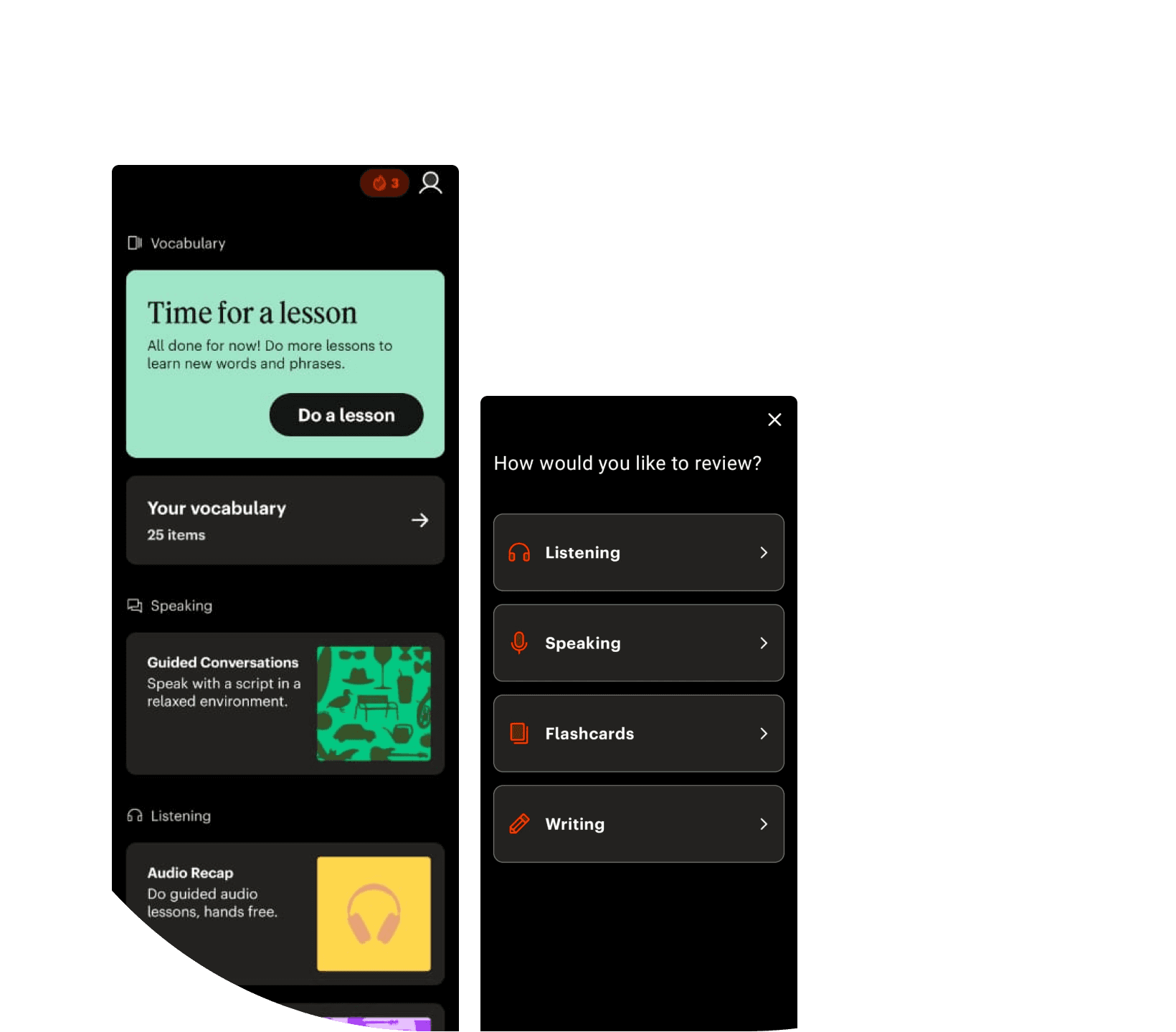
Learn/Homepage
Practice/Speak Area
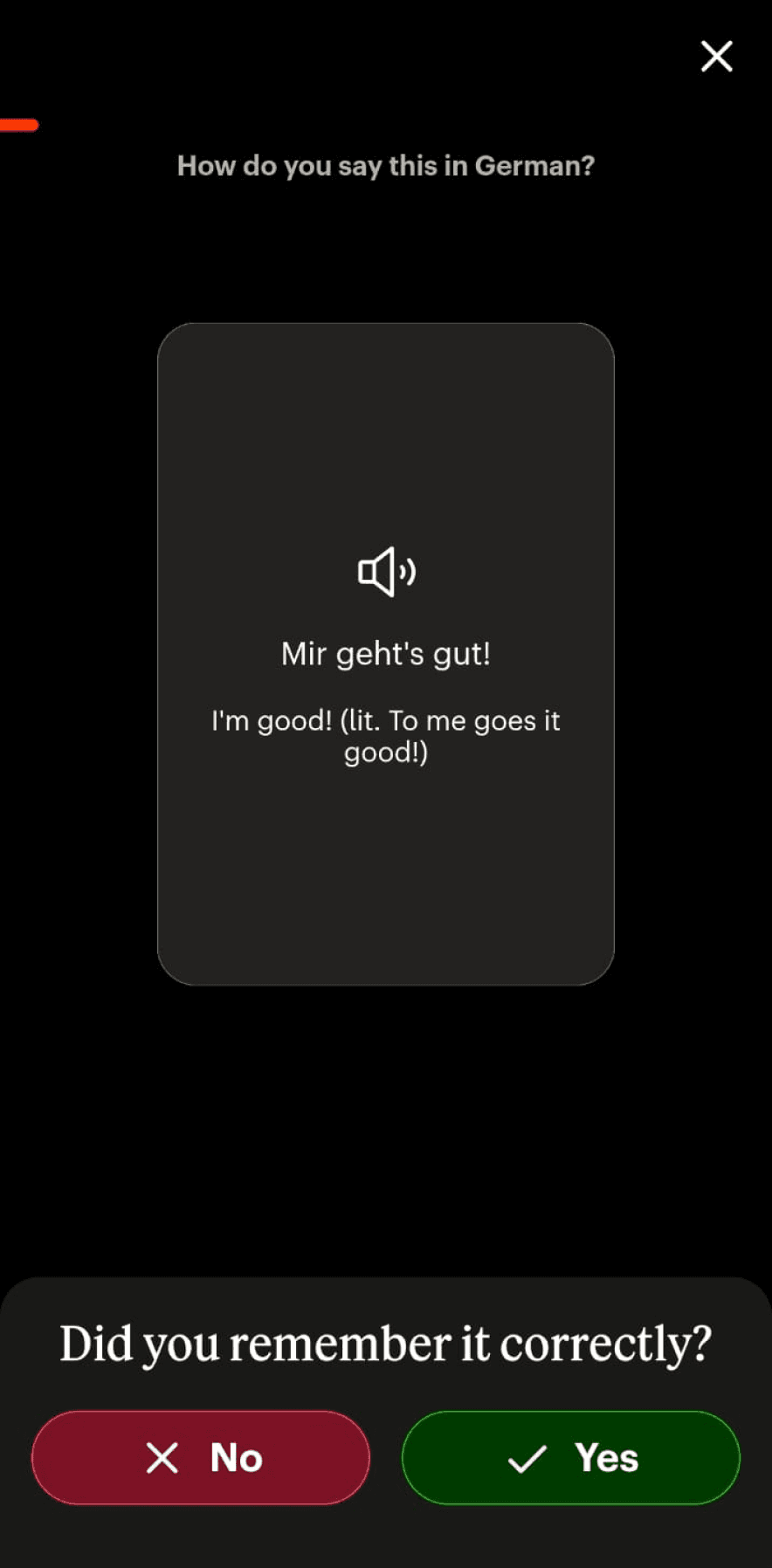
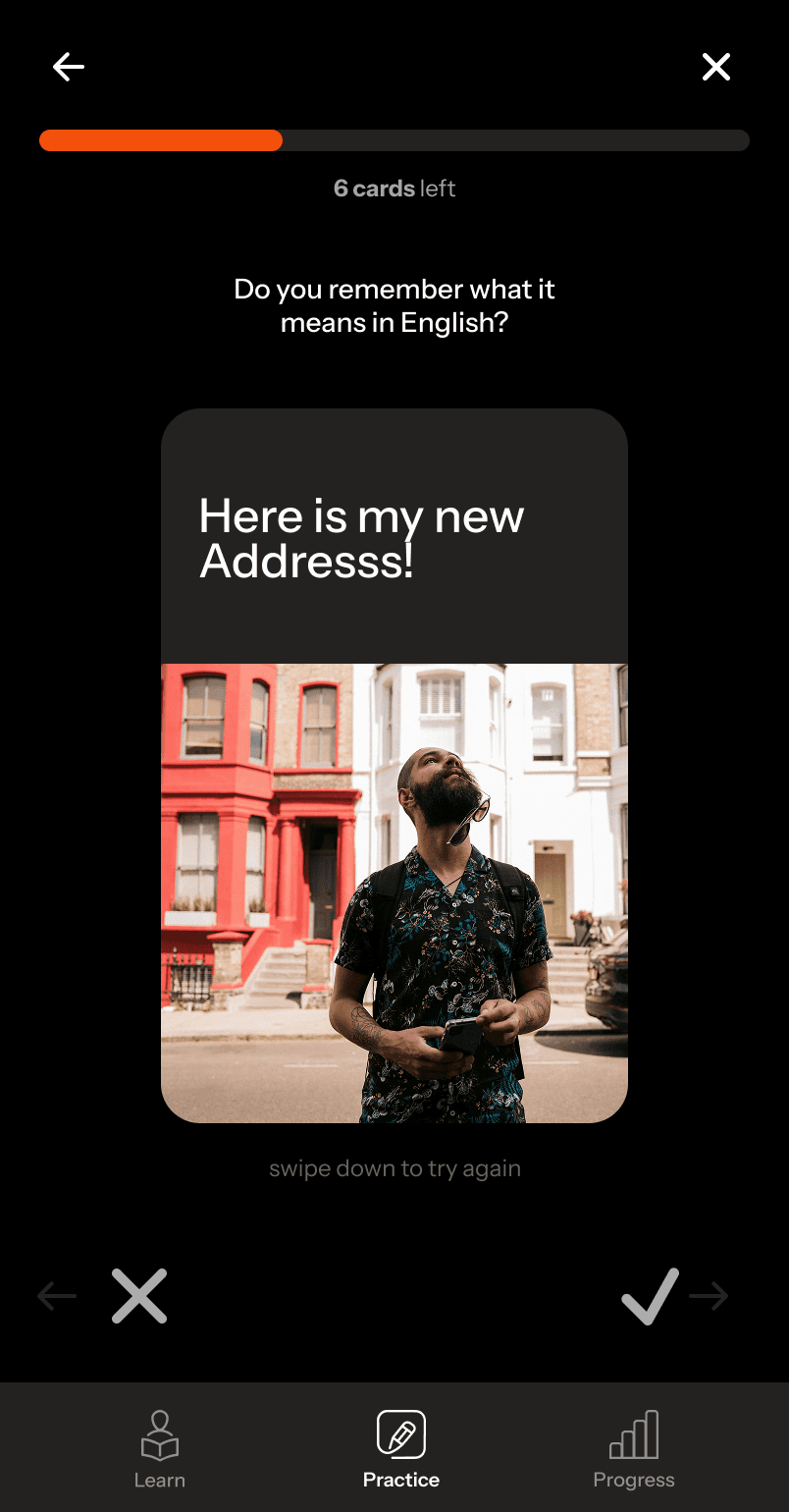
Flashcards
Redesign
Lesson Specific Review Page
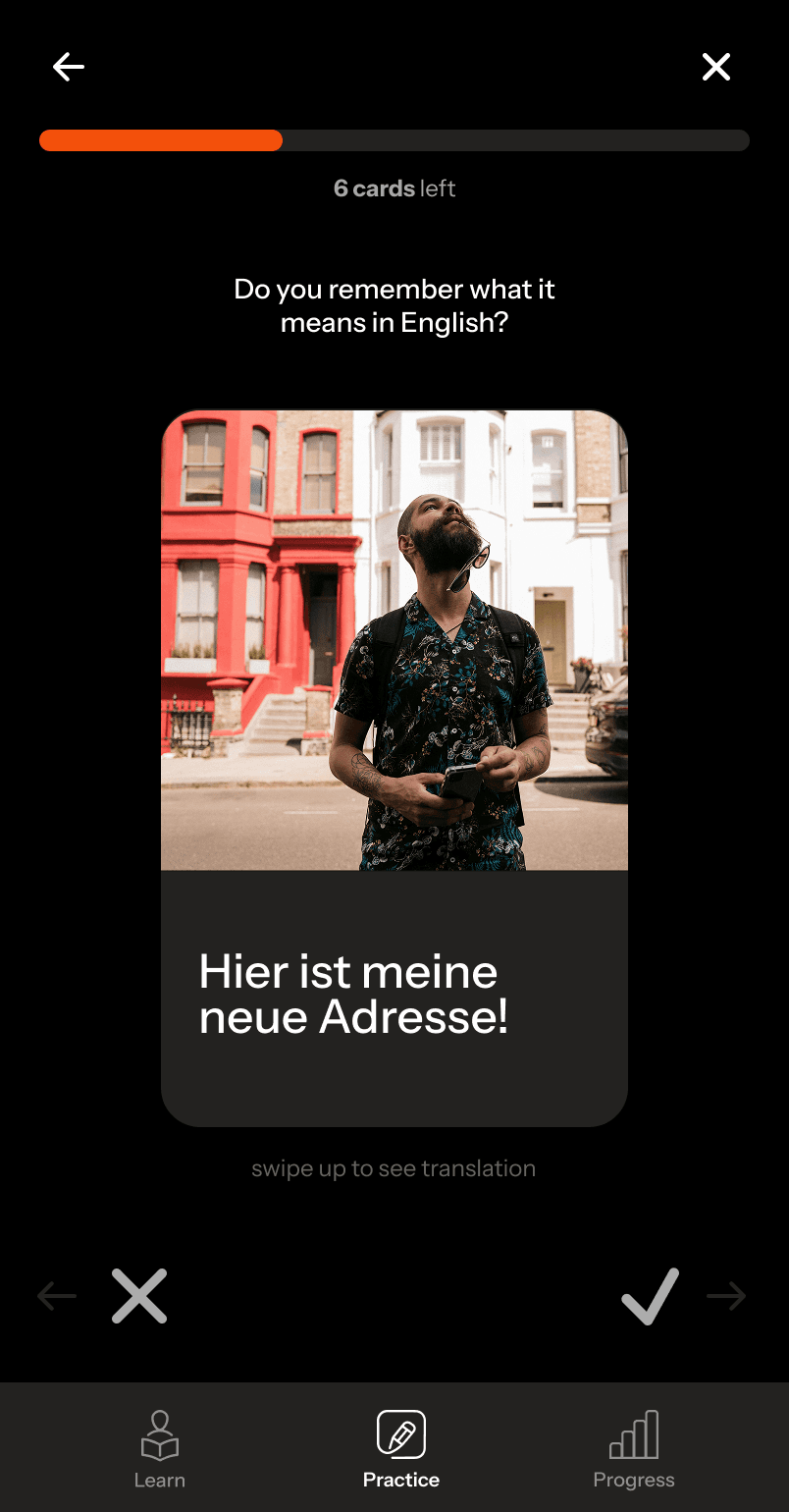
Redesigned flashcard flow
Original
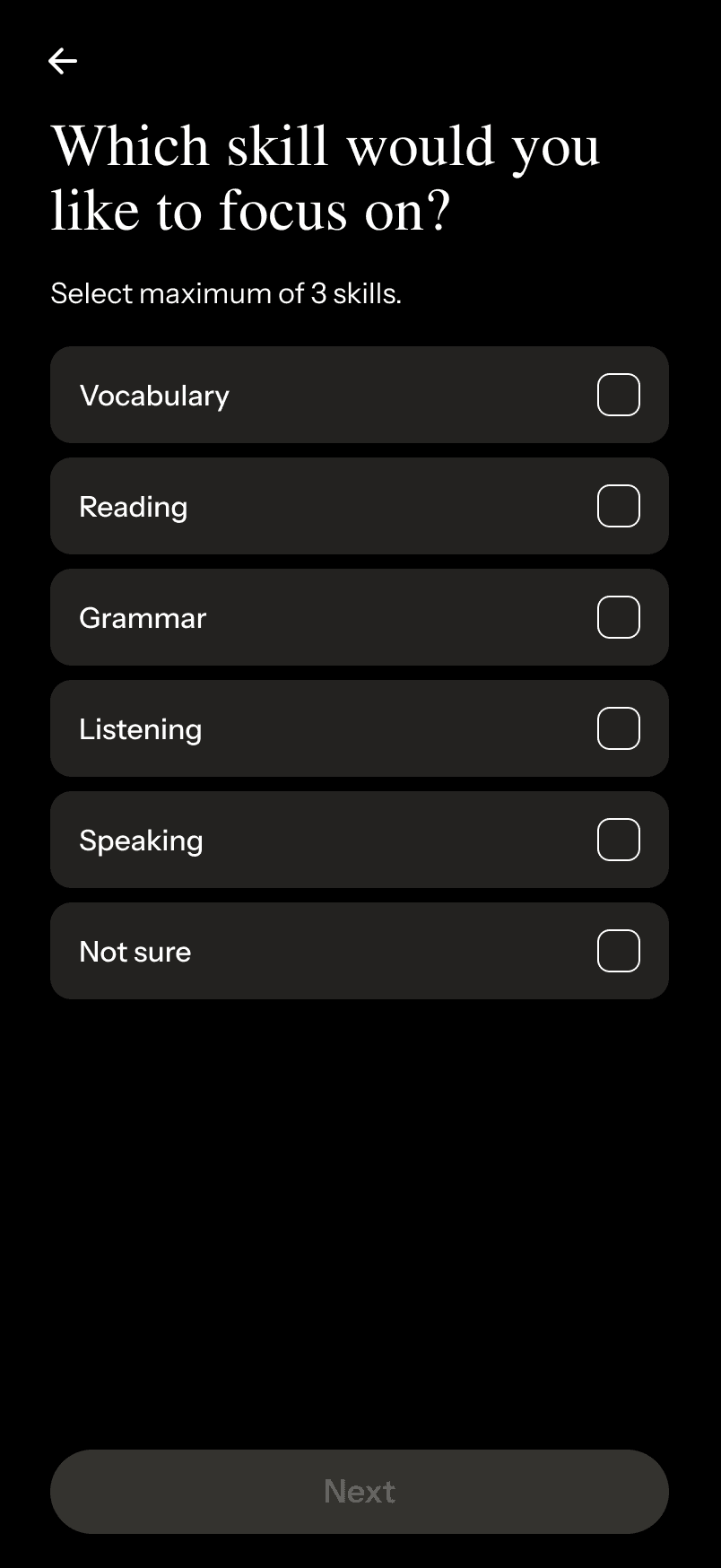
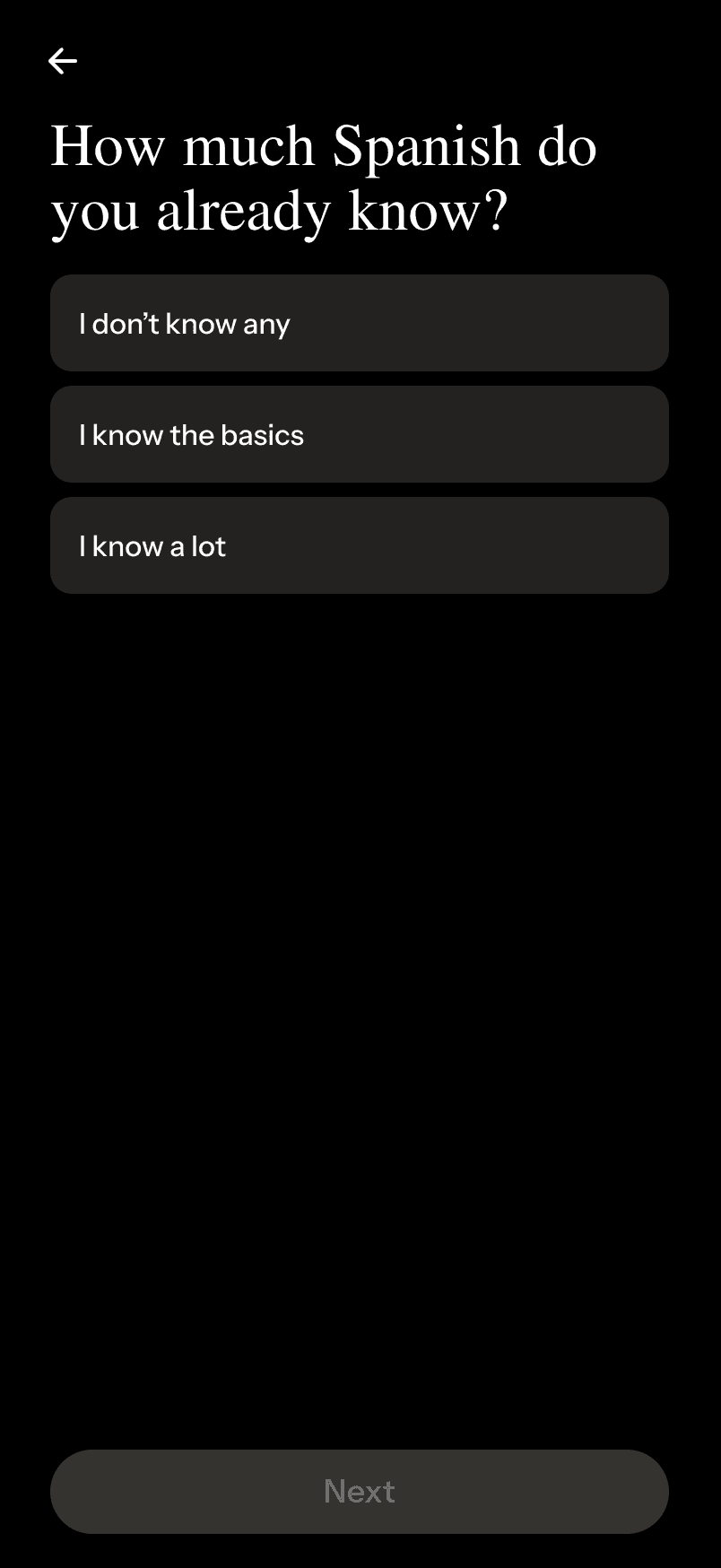
Reduced 10 step onboarding flow to simpler 4 step proceess.
choose primary language and language to learn
simpler, more consistent UI
study focus
lesson start point
skills to focus on
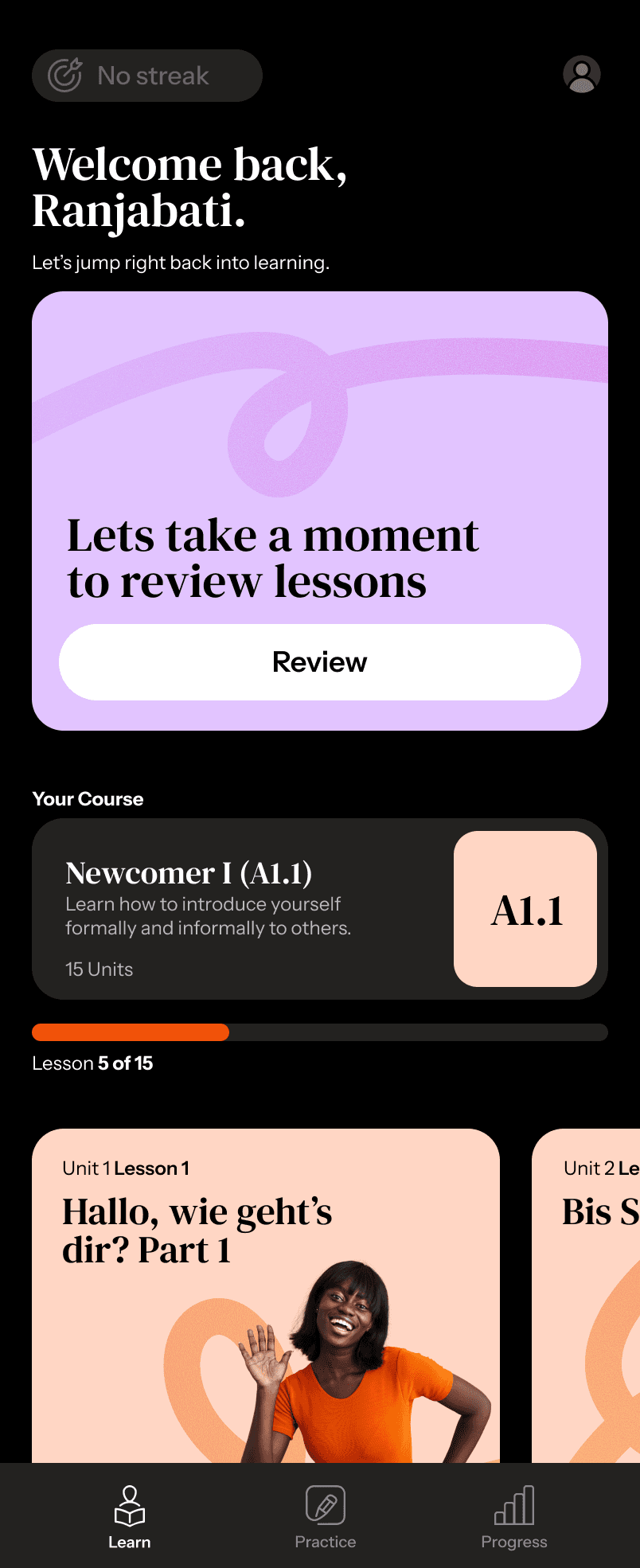
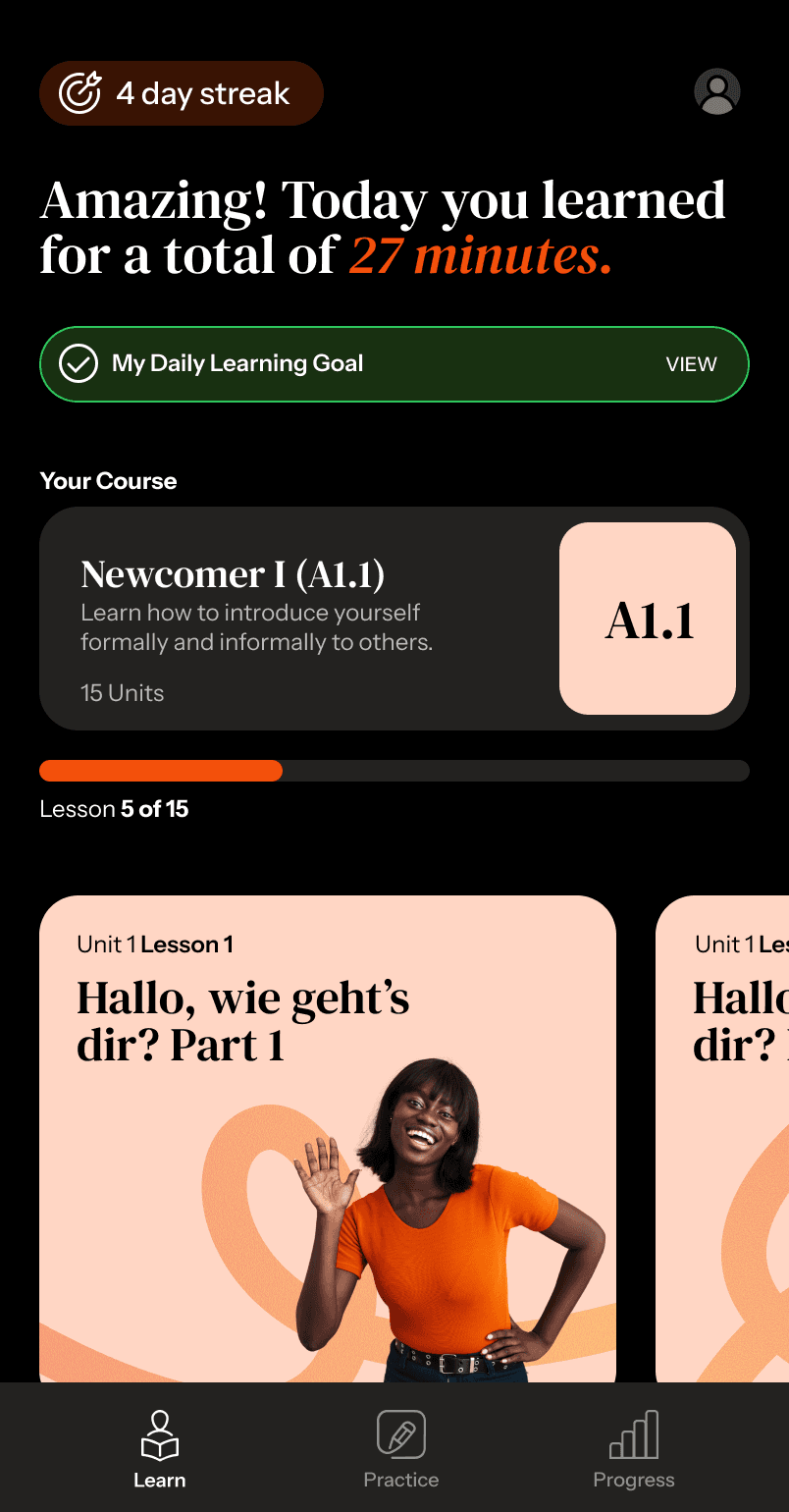
homepage is retained as the Learn page
Streak maintained
No Streak
Prominently shows streak
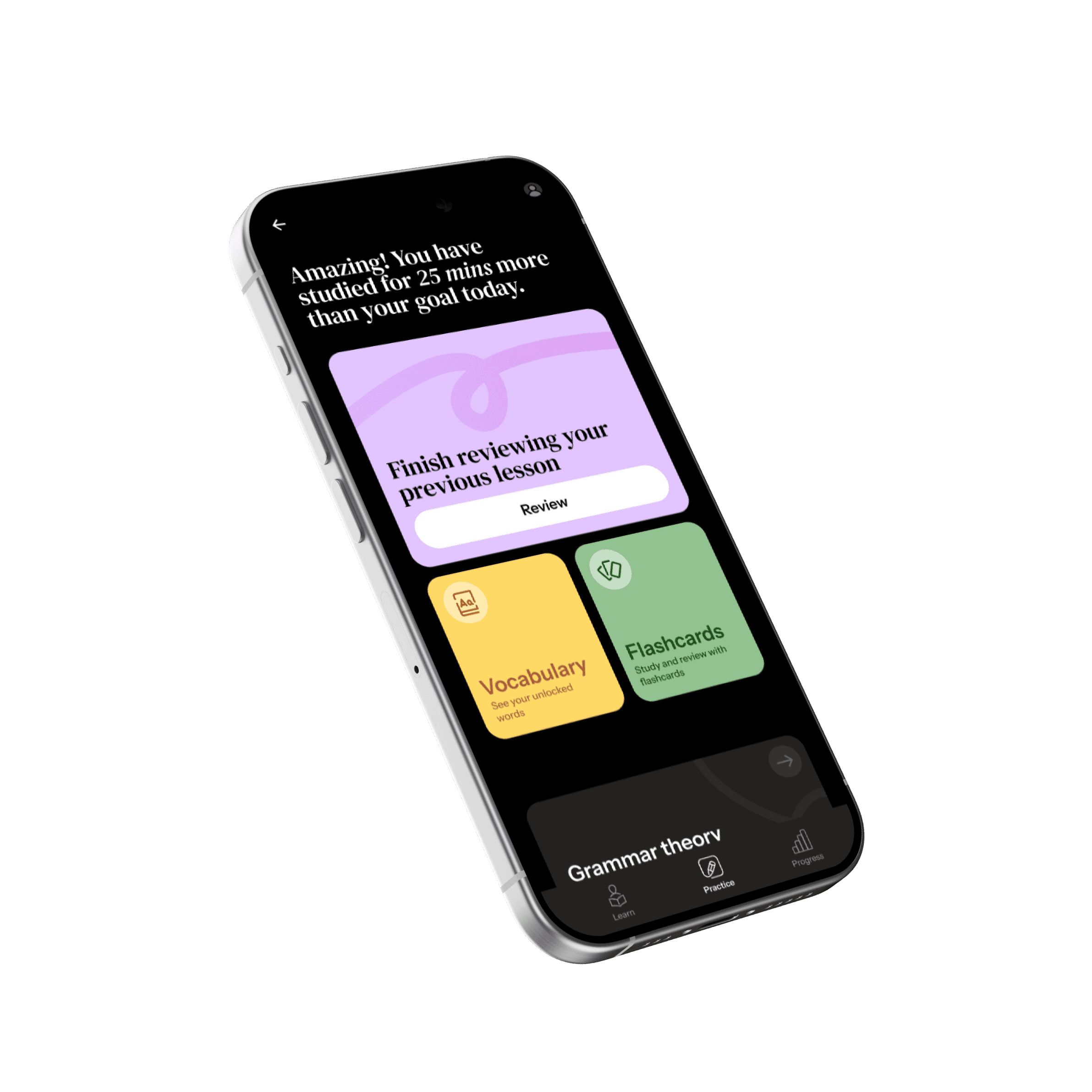
Welcome back message
Users review what they have learnt to ease them back into learning
Review panel changes to lessons panel after dong 2 reviews.
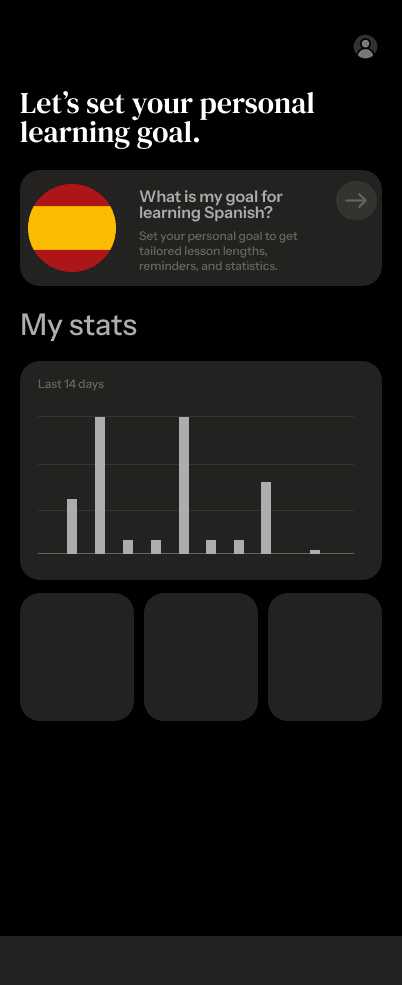
Original design
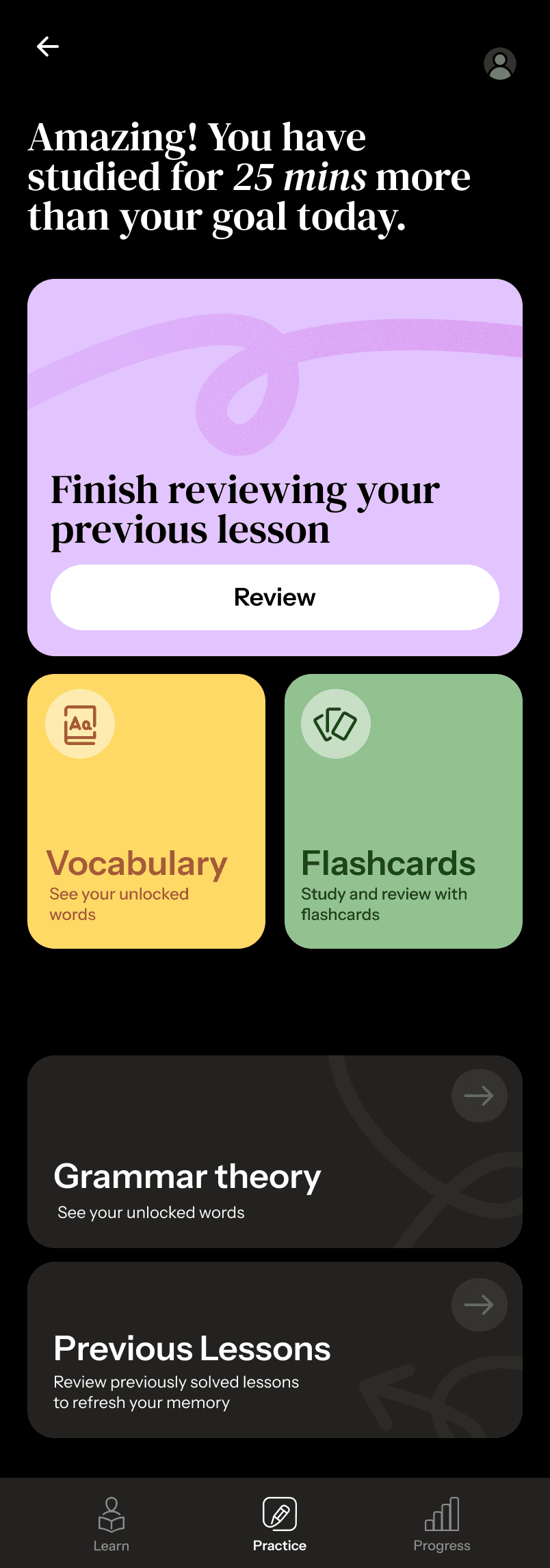
Timing spent today
Reminder to review the last taught lesson.
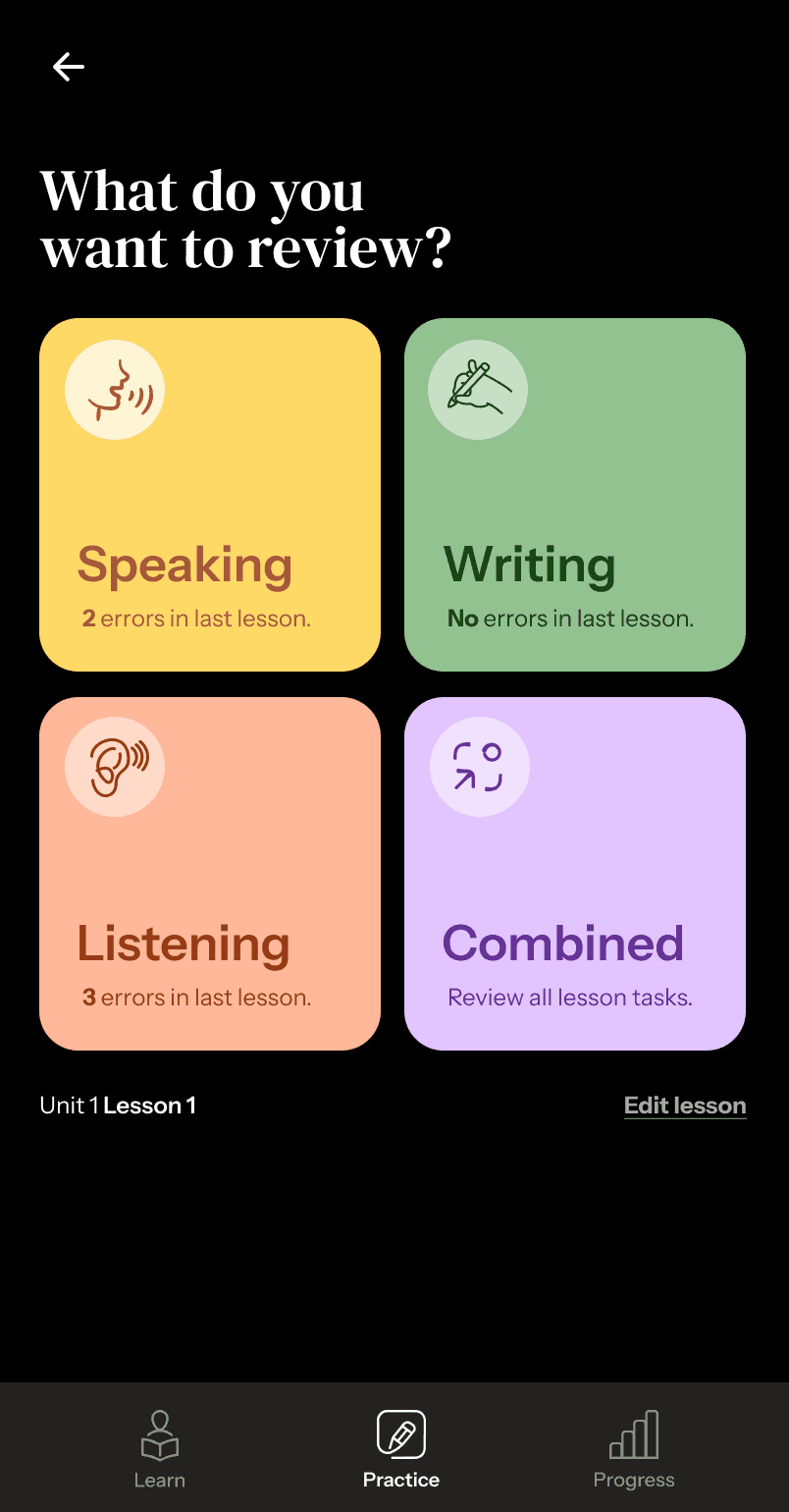
See smaller sections directly from practice tab.
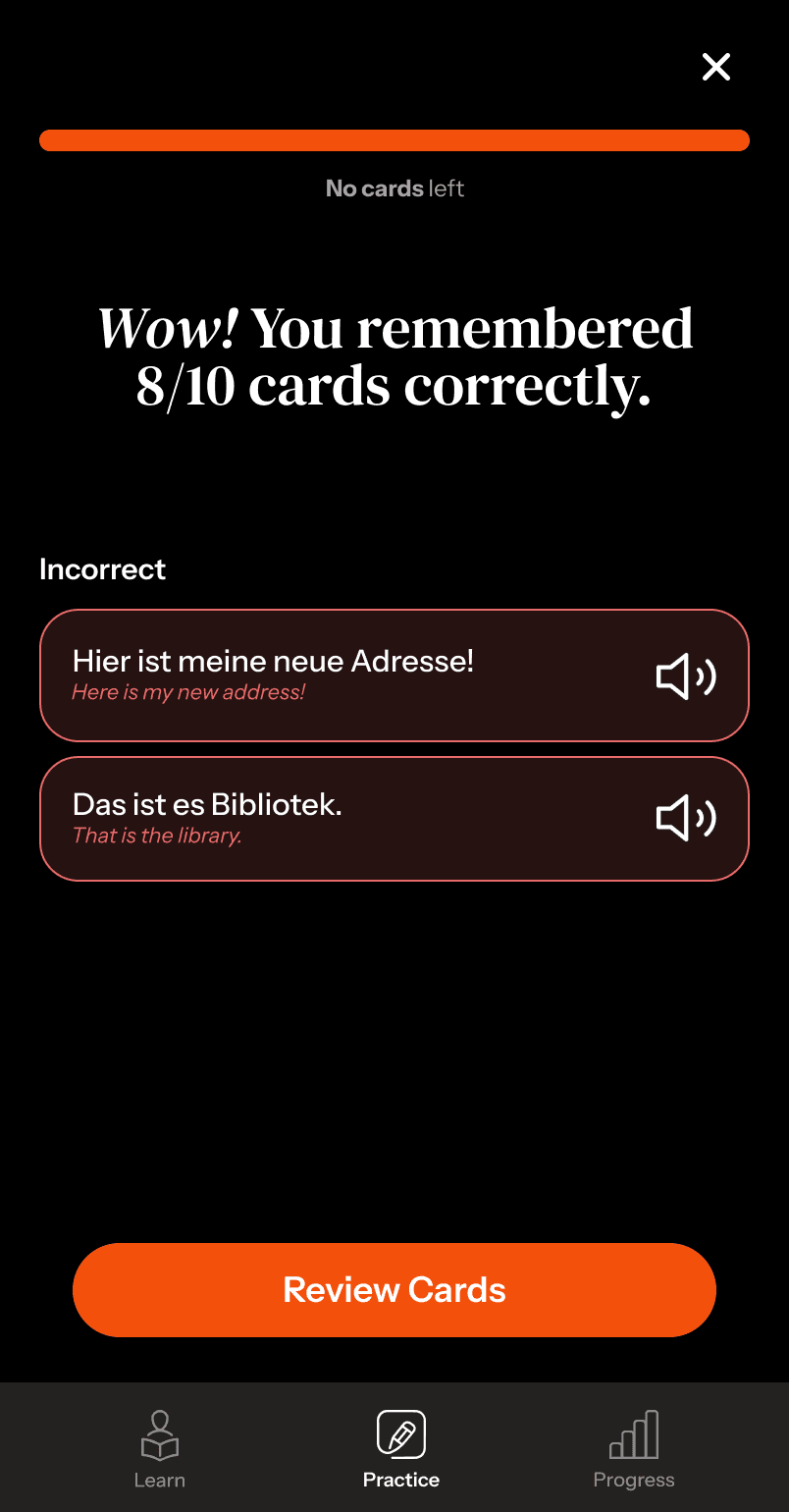
New Combined review session
Shows no. of errors in specific activities
Edit which lesson you are reviewing for.
Easy access to vocabulary and flashcards for reviewing
Not visually interesting
Repetitive tapping while reviewing
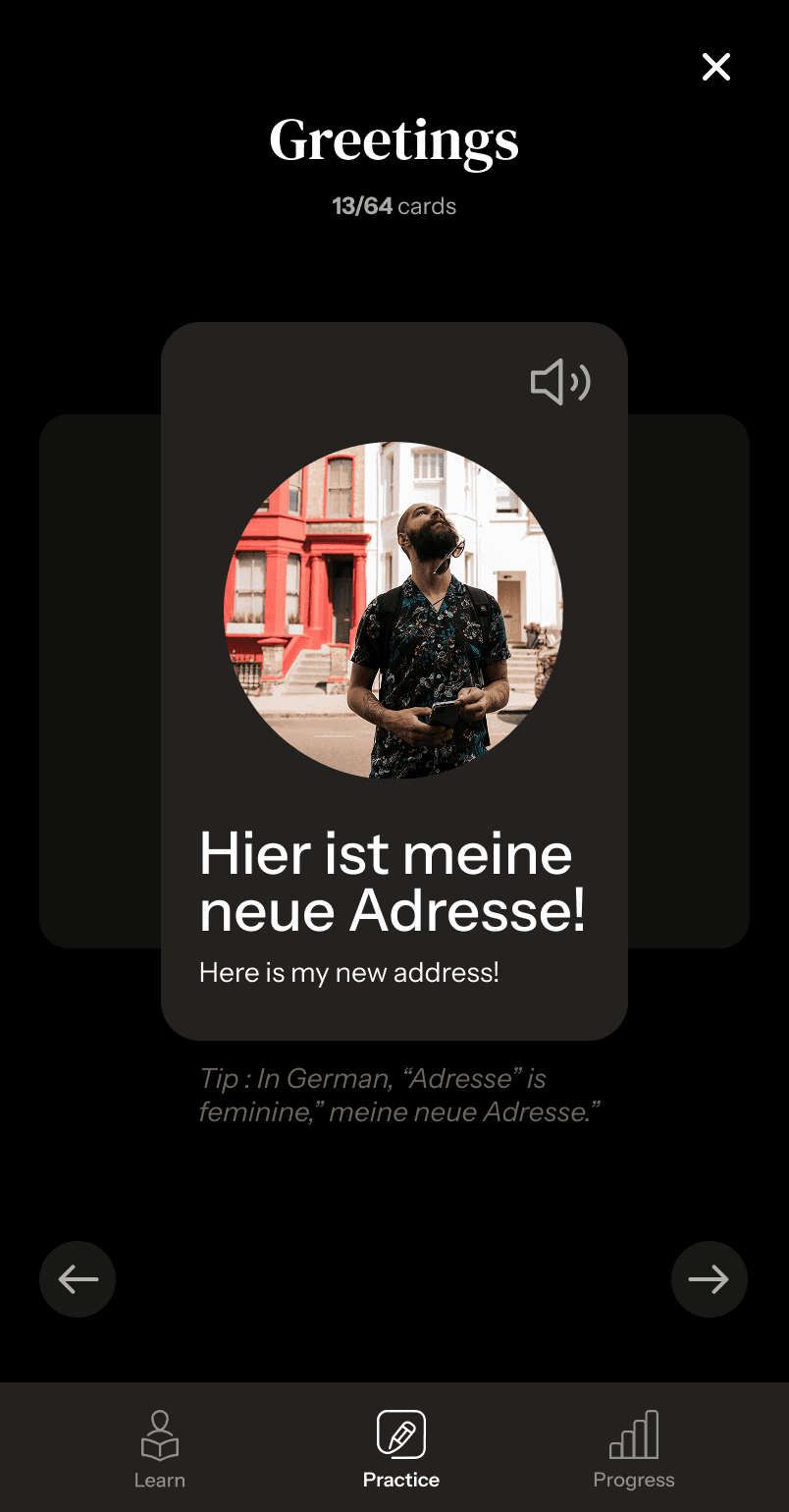
Toggle between English and German translations
Performance overview
Swipe through flashcards for quick reviewing.
Flashcards differentiated based on topic
How many words in course vs how many words unlocked
Review panel changes to lessons panel after dong 2 reviews.
We merged the “speak” and “practice” sedtions
Information is too nested, takes too many taps to uncover and not avaiable at a gance.
Total learning time for the day
Goal tracker
Your Course
Progress in the course
Lesson details
Streak not maintained (logging in after a break)

Validating with HEART
HEART
We did a round of validating our designs with the new SUS scores, prototype usability testing and then taking it through the HEART framework.
Prototype Validation
SUS
Validating with the HEART Framework
Users go through the flows using think aloud.
Users go through the flows and then fill the SUS questionnaire.
Using our flows, test tasks, and user feedback we measured each HEART dimension
Happiness, Engagement, Adoption, Retention,
Task Success

Post-test survey for each redesigned area
Positive/negative comments during think-aloud.
Do users voluntarily explore new features during the session?
Do they repeat/redo tasks unprompted?
Task success - did all users complete onboarding, flashcard review, speaking flow?
Completion rate
Completion time
Number of errors or requests for help.
Would you come back/use this each week?”
“Would you recommend this to a friend?” and why.
Happiness
Engagement
Adoption
Task Success
Retention
h
e
a
r
t